24 CVS-21HA.rev.03
OTHER
FUNCTIONS
NOTE: When the temperature curve is activated, the current target room
temperature can be viewed at any time by setting the parameter selection
knob to SET POINT / T° CURVE. The current day number can then be
viewed by pressing the push-button.
STAGE 1 MINIMUM SPEED / CURVE
The points of the minimum speed curve
can be adjusted only if the minimum speed
curve is deactivated. If the minimum speed
curve is activated, deactivate the curve as
described below.
The single minimum speed can be
adjusted even if the minimum speed curve
is activated as long as it is not effec-
tively in operation. If the curve is in op-
eration, deactivate the curve as de-
scribed below.
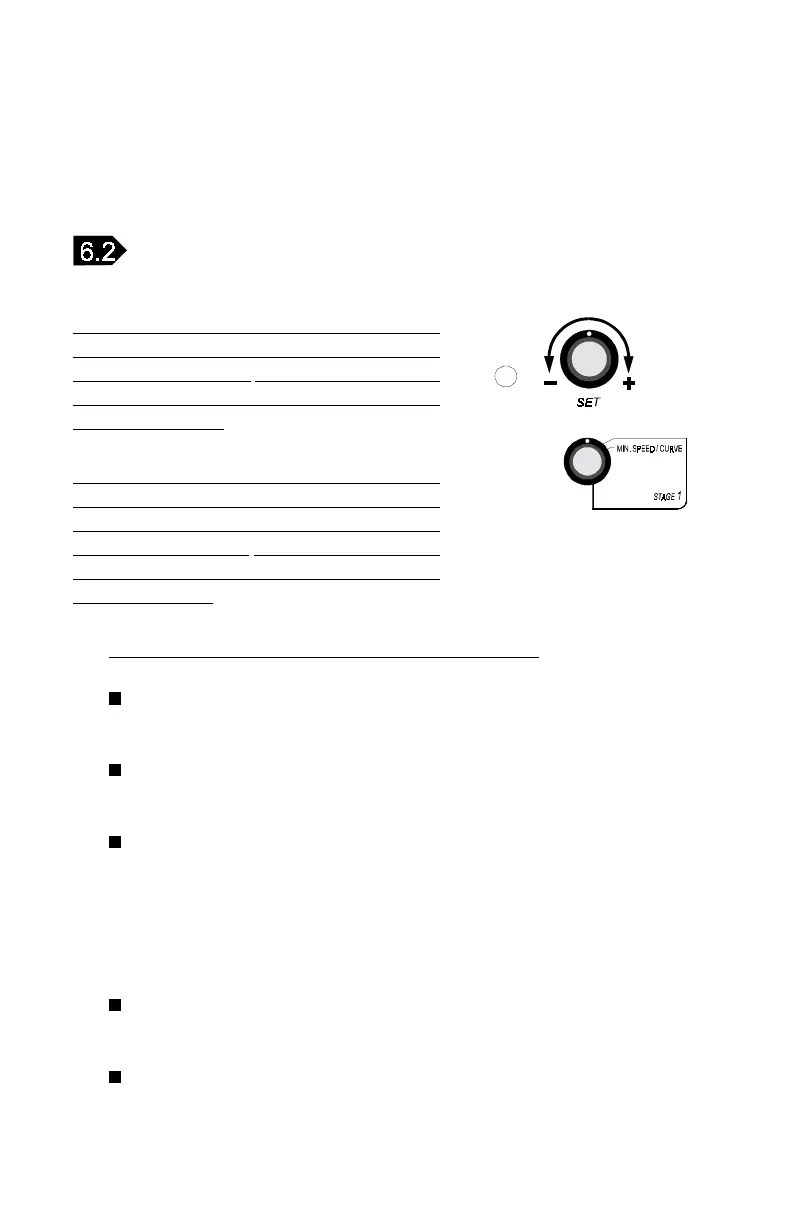
Deactivate the minimum speed curve as follows:
Set the parameter selection knob to MIN.SPEED / CURVE. The
current minimum speed appears flashing on the display.
Press the push-button repeatedly until the word ON appears
flashing on the display.
Turn the adjustment knob counterclockwise one notch. The word
OFF appears flashing on the display, indicating that the minimum
speed curve is now deactivated.
To adjust the single minimum speed:
Set the parameter selection knob to MIN.SPEED / CURVE.
The current minimum speed appears flashing on the display.
Turn the adjustment knob to adjust the minimum speed to the de-
sired value.



 To Next Page