26 CVS-21HA.rev.03
HEATER OFFSET
STAGE 3
OTHER
FUNCTIONS
NOTE: When the minimum speed curve is in operation, the current mini-
mum speed can be viewed at any time by setting the parameter selec-
tion knob to MIN.SPEED / CURVE. The current day number can then be
viewed by pressing the push-button.
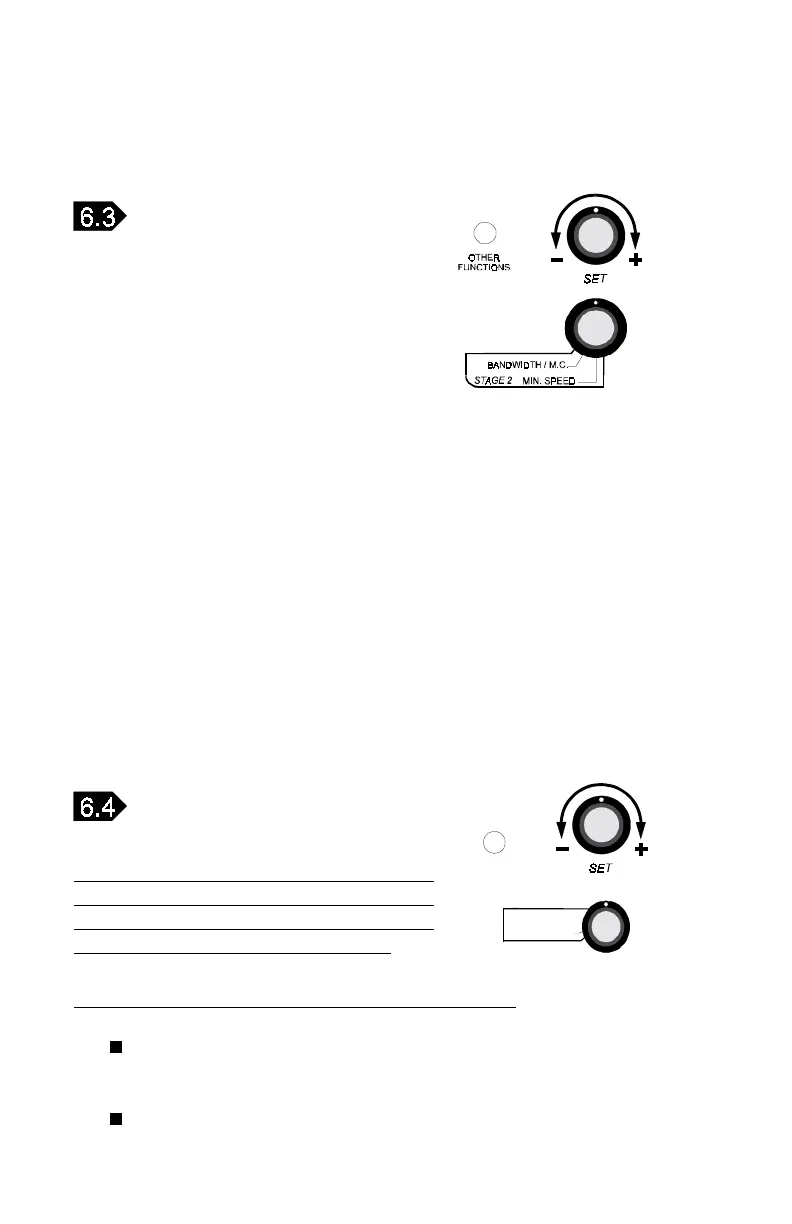
STAGE 3 HEATER OFFSET
When the heat offset is activated, it can
be adjusted to a positive or negative value.
When the heat offset is deactivated, it can
be adjusted only to a positive value.
Activate or deactivate the heater offset as follows:
Set the parameter selection knob to HEATER OFFSET. The
current heater offset appears flashing on the display.
STAGE 2 DE-ICING
To adjust de-icing parameters:
n Set the parameter selection knob to STAGE 2 — MIN. SPEED
and press the push-button. The current de-icing cycle time
is displayed, alternating with the letters "CyC".
n Turn the adjustment knob to adjust the de-icing cycle time to the
desired value.
n Press the push-button. De-icing Time On is displayed, al-
ternating with the letters "On".
n Turn the adjustment knob to adjust the de-icing time on to the de-
sired value. To turn off de-icing, set Time On to zero.



 To Next Page