EasyManua.ls Logo

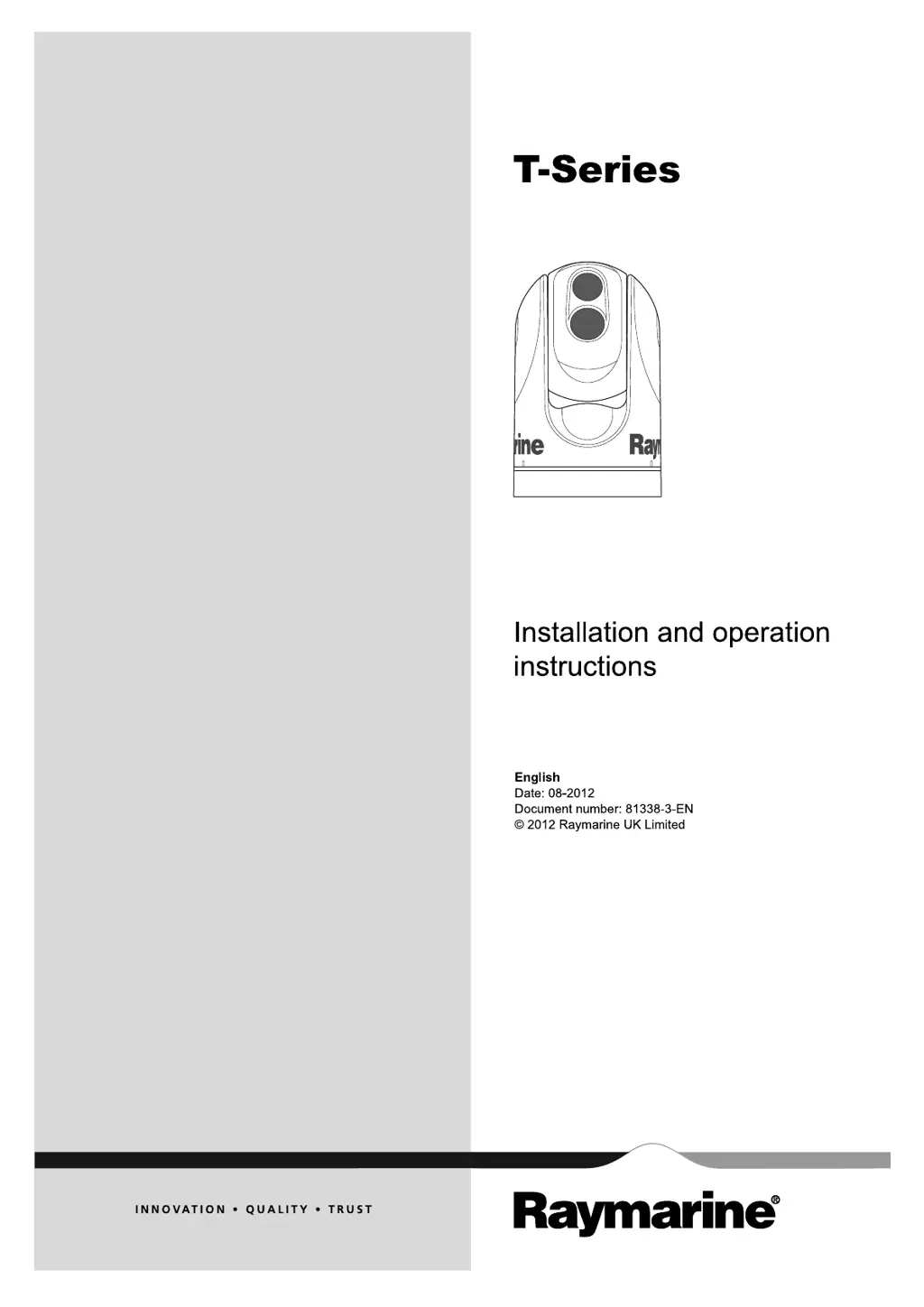
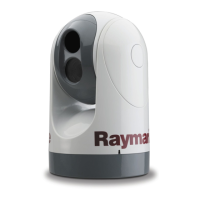
Raymarine T303 - User Manual

Raymarine T303
44 pages
Print Icon
To Next Page IconTo Next Page
Loading...
T
-S e r ie s
Installation and ope ra tion
instructions
Englis h
Date: 08-2012
Document numbe r: 81338-3-EN
© 2012 Raymarine UK Limite d
T-Series

Other manuals for Raymarine T303

Questions and Answers

  • S
    sergio09Aug 12, 2025
    What to do if Raymarine Thermal camera video is not displayed?
    • A
      Amy GonzalezAug 12, 2025
      If your Raymarine thermal camera isn't displaying video, there might be a few reasons: * The camera could be in Standby mode. To fix this, use the camera controls (either the thermal camera application or JCU) to wake the camera from standby. * There might be a problem with the video connections. Check that the video cables are properly connected, ensure the video is connected to video input 1 at the multifunction display or GVM, and verify the correct video input is selected on the display. * There could be a power supply issue. Check the power connections to the camera and JCU / PoE injector (if used), ensure the power switch/breaker is on, and check the fuse/breaker state.
  • S
    spencerfranklinAug 16, 2025
    Why is my Raymarine Thermal camera image too dark or too light?
    • S
      sandramendozaAug 16, 2025
      If your Raymarine thermal camera image appears too dark or too light, consider the following: 1. The display brightness might be set too low. Adjust the brightness using the controls on the display. 2. The contrast or brightness settings in the thermal camera application could be improperly set. Use the softkeys in the application to adjust these settings. 3. The Scene Mode might not be suitable for the current conditions. Try using the SCENE button to select a more appropriate mode.
  • A
    Amanda EdwardsAug 19, 2025
    What causes a noisy image on Raymarine T303 Thermal cameras?
    • R
      Ricky ArcherAug 19, 2025
      A noisy image on your Raymarine thermal camera can be caused by: * A poor quality or faulty video cable. Ensure the video cable is as short as possible, use a high-quality shielded cable suitable for marine environments. * Electromagnetic interference (EMI) from another device. Use a high-quality shielded cable and ensure proper cable separation between data and power cables.
  • R
    Ronnie TaylorAug 23, 2025
    What to do if Raymarine display or keyboard cannot control thermal camera?
    • O
      ofieldsAug 23, 2025
      If you cannot control the thermal camera from the Raymarine display or keyboard, the thermal camera application may not be running. Ensure the thermal camera application is running on the multifunction display, rather than the video application.
  • A
    Aaron WilliamsAug 27, 2025
    Why can't I switch between thermal and visible (VIS / IR) video image on Raymarine?
    • K
      Kristina DavisAug 27, 2025
      If you cannot switch between thermal and visible (VIS / IR) video images on your Raymarine thermal camera, it could be due to the following reasons: * The camera may not be a dual payload model. Only dual payload (dual lens) thermal cameras support VIS / IR switching. * The VIS / IR cable may not be connected. Ensure that the VIS / IR cable is connected from the camera to the Raymarine system. Note that the IR-only cable does not support switching.
  • C
    Cheryl TaylorAug 31, 2025
    What causes erratic or unresponsive controls on Raymarine Thermal cameras?
    • E
      enguyenAug 31, 2025
      Erratic or unresponsive controls on your Raymarine thermal camera can be caused by: * A SeaTalkhs problem. Check that the controller and thermal camera are correctly connected to the SeaTalkhs network, either directly or via a SeaTalkhs switch. * A control conflict, such as multiple users at different stations using controllers simultaneously. Ensure that no other controllers are in use at the same time. * A problem with the controller. Check the power/SeaTalkhs cabling to the controller and PoE injector (PoE only used with optional Joystick Control Unit).
  • C
    Cynthia GreeneSep 4, 2025
    Why does my Raymarine Thermal camera image freeze momentarily?
    • B
      Brett LinSep 4, 2025
      The image on your Raymarine thermal camera may pause momentarily due to the Flat Field Correction (FFC) cycle. Just before the FFC, a small green square will appear in the upper left corner of the screen.
  • M
    Michael SmithSep 7, 2025
    How to correct an inverted image on a Raymarine Thermal camera?
    • E
      Emily WaltonSep 7, 2025
      If the image on your Raymarine thermal camera is inverted (upside down), the camera’s “Ball down” setting is likely incorrect. Ensure that the Ball down setting within the thermal camera system setup menu is set correctly.

Raymarine T303 Specifications

General IconGeneral
Thermal Sensitivity< 50 mK
Detector TypeUncooled microbolometer
Frame Rate9 Hz
Resolution320 x 240
Power Supply12-24 V DC
Video OutputPAL/NTSC
Voltage12-24 V DC
Waterproof RatingIPX7
Battery LifeN/A (external power required)

Related product manuals