1. SENSOR MENU
CT Dose Ion chamber sensor
Press STEP to step between sensors and SELECT to select a sensor.
NOTE! When turning on the base unit with the RaySafe Solo CT detector connected, “Stabilizing” will
be displayed for a few seconds while the electronics are stabilizing.
2. MEASURE MODE
After an oset adjustment, the instrument is in MEASURE MODE. The displayed value is updated after each
exposure.
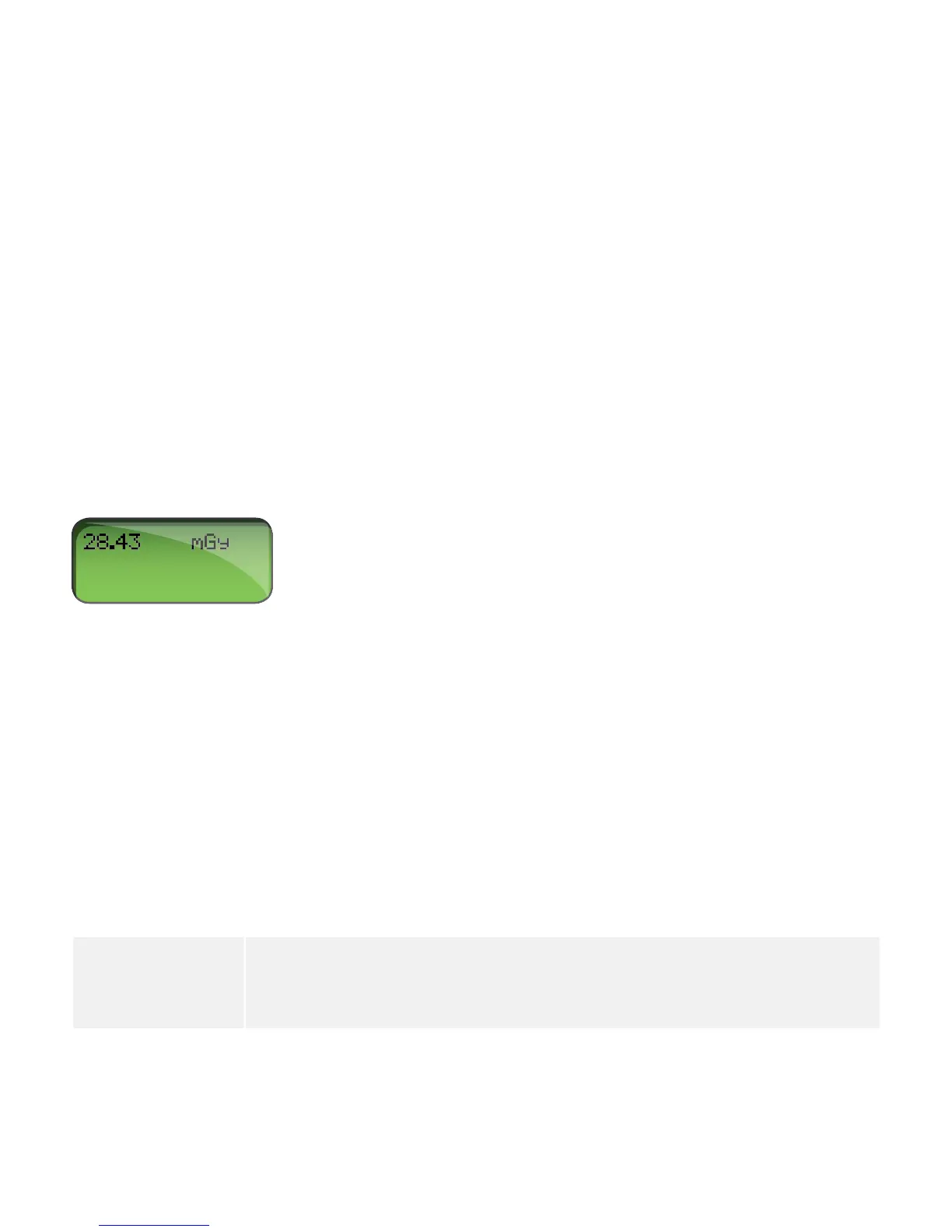
Dose Gy (Air kerma, free in air) or R (Exposure)
Dose Length Product Gycm or Rcm
NOTE! The RaySafe Solo CT detector can be used in two dose modes (dose or dose length product
(DLP)), selectable in the SETUP MENU. Since the RaySafe Solo CT chamber is 10.0 cm long,
DLP readings (in Gy•cm or R•cm) will always be exactly 10 times higher than dose readings.
3. SETUP MENU
Press SELECT to enter the SETUP MENU (from MEASURE MODE) and STEP to step between setup
parameters.
All values are stored in a non-volatile memory and are valid until manually changed.
(Factory settings in bold.)
Calc. delay Defined as the dead time after end trig, before data is calculated. Default is
0.5 s but it is recommended to use a longer delay when measuring on pulsed
fluoroscopy where the time between pulses may exceed 0.5 s. (0.5, 2, 4, 6, 7 s)
17
RaySafe Solo User Manual – CT Measurement


 To Next Page