Operator Manual
Raytheon Anschütz GmbH
Germany
R
ECDIS
8−33
3655DOC020102Edition: 30.MAR.2007
8.2.9 Export Routes
The Export Route command allows you to save routes on a floppy disk .
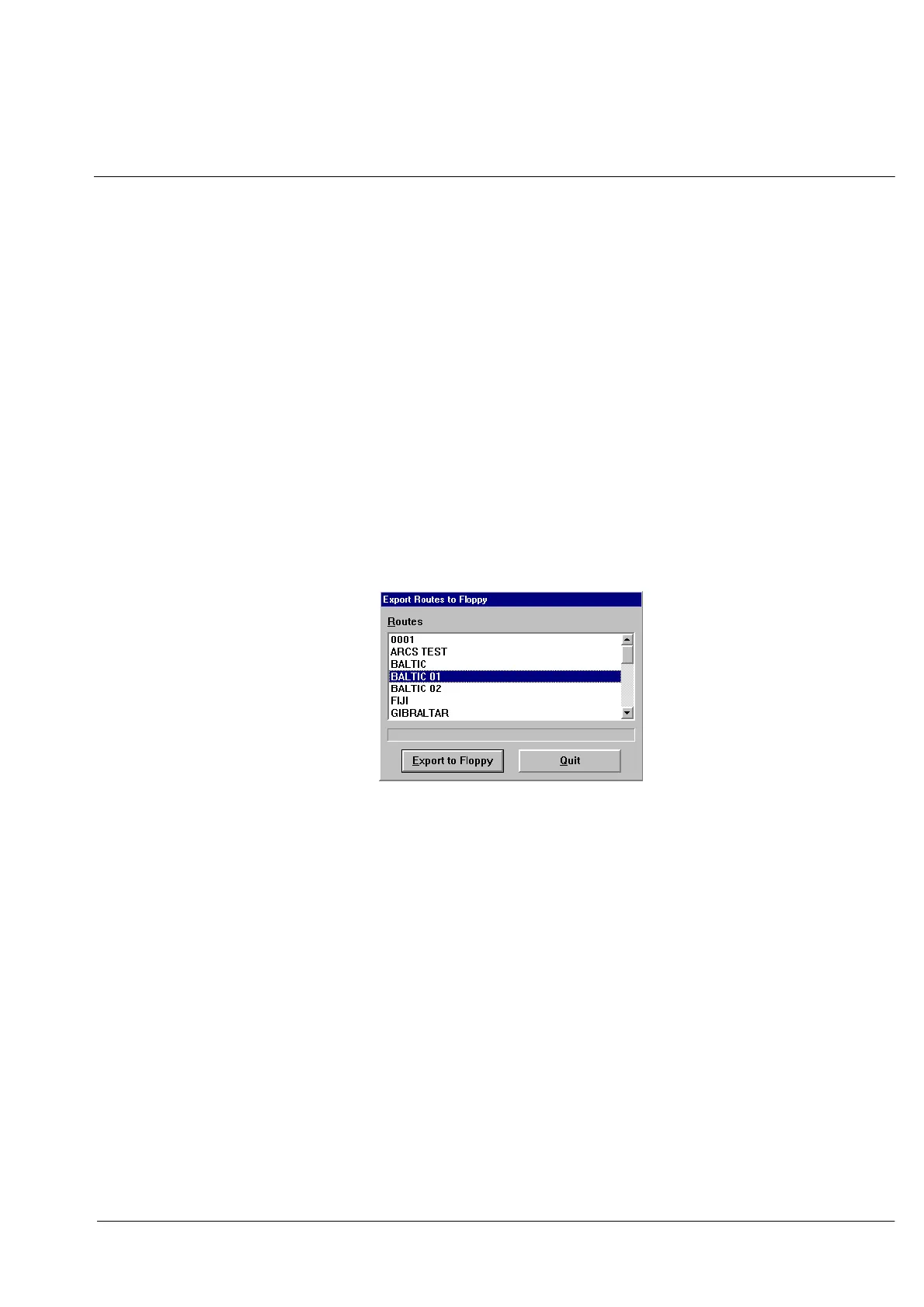
Procedure: (see Figure: 1−25)
Step 1 Select Open Route from the Routes menu..
Select Export Route. The Export Route dialog box appears displaying
the names of all the routes saved in the route list.
Step 2 Click on the name of the route you want to export.
Click on Export to Floppy . ECDIS copies the route from the route list:
The dialog box remains open for you to copy additional routes.
Click on Quit when you are done.
Figure: 1−25 Export Routes dialog box


 To Next Page