3-26
HSB Series CRT Display
Using MARPA
View Target Data
You can toggle the MARPA data box on/off using the MARPA BOX ON/OFF soft
key. This box displays the data for one MARPA target. You can select the target
using the context sensitive cursor or the database list. Alternatively, if you
display the data box when no target is selected, data is displayed for the last
target that had the data box displayed – unless a new target has been acquired,
then the new target data is displayed.
➤ To view (or hide) target data using the context sensitive cursor:
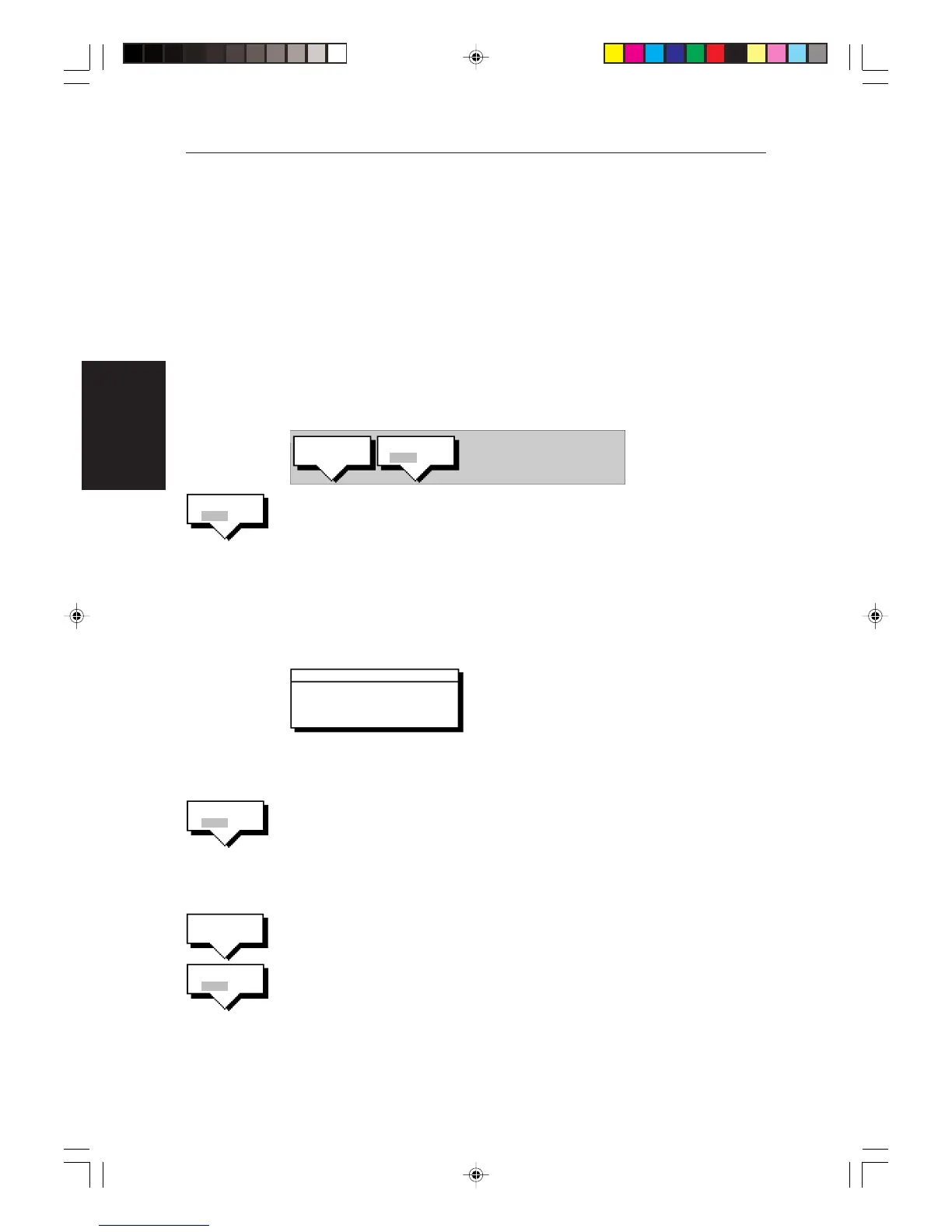
1. Move the cursor over the target for which you require data. The letters
MARPA and the following soft keys are displayed.
D4119_1
CANCEL
TARGET
MARPA BOX
OFF ON
2. Press the MARPA BOX ON/OFF soft key to toggle the data box on/off for the
selected target.The target data box is displayed and the associated target
symbol is identified by a circle drawn around it.
The default soft keys are displayed when you move the cursor away from
the target.
Note: When you select
ON
, if the data box was already displayed for another
target, it is updated for the selected target).
D4117_1
BRG 84°M RNG 1.48nm
CRS 110°M SPD 0.0kts
CPA 1.48nm TCPA PASSED
MARPA 1
➤ To view (or hide) target data using the default soft keys:
1. Press MARPA to display the MARPA soft keys.
2. Press the MARPA BOX ON/OFF soft key to toggle the data box on. The target
data box is displayed and the associated target symbol is identified by a
circle drawn around it. The default soft keys are displayed.
3. Press the MARPA BOX ON/OFF soft key again to toggle the data box off.
➤ To view the MARPA database list and a target data box:
1. Press MARPA followed by the MARPA LIST soft key, the database list is
displayed.
2. Use the trackball to select a target, then press the MARPA BOX ON/OFF soft
key to toggle the data box on/off.
3. Press CLEAR to remove the database list.
MARPA BOX
OFF ON
MARPA
LIST
MARPA BOX
OFF ON
MARPA BOX
OFF ON
153_c3_3.p65 23/12/99, 09:2426


 To Next Page