07. Troubleshooting description
Owner manual
are two fuses, one red and one green. The green one
is covered by a black plastic cover. In the case a fuse is
blown, it needs to be replaced.
3. MicroEIVA wire not connected:
If the bike is still not working, the next step is to open
the tank case of your Cruzer. Inside, you will find some
of the wiring system of the bike. There may be a black
plastic cover hiding some of the connections. If needed,
remove the two bolts from the medal and you will be
able to remove the plastic cover. Otherwise, the wiring
system may be also pulled through the hole. Search for
the MicroEIVA wire (consult the section “05 Electrical
maintenance” in this manual to identify it), and check
that it is well connected to the 6 pins green connector. A
common issue is due to connecting the MicroEIVA to the
6 pins black connector, that is for the rear light.
Notice that if you have a MicroEIVA you need to start it in
order to turn on and ride your bike, otherwise you won’t
have any assistance nor bluetooth connection.
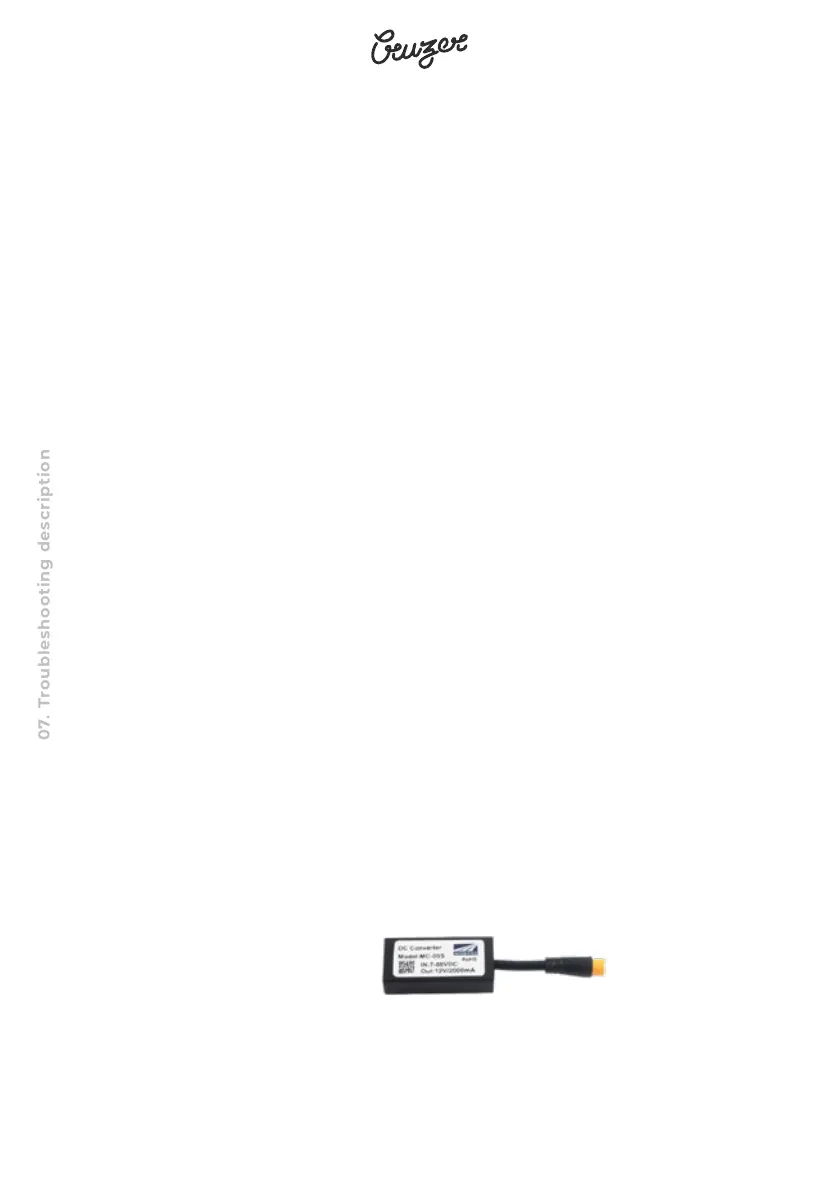
3. DC-Converter issue:



 To Next Page