RESETTING TO FACTORY SETTINGS
Once connected, a reset is required to connect the lamp to a new device.
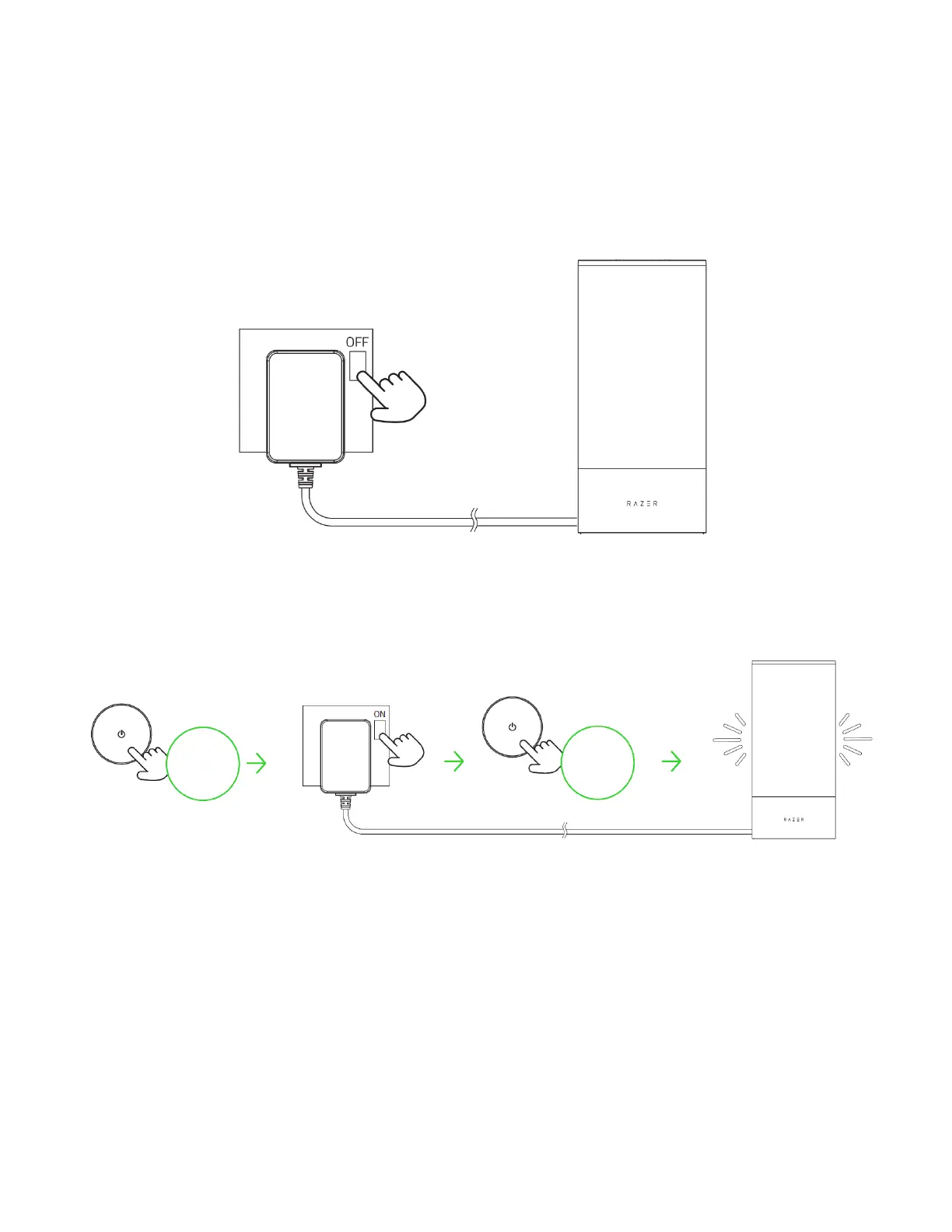
1. Switch off the lamp's power supply.
2. While holding the power button, switch on the power supply and continue holding the button
for 4 seconds.
The lamp will briefly cycle through red, green, and blue before displaying white when the reset
is successful.
3. Use the Razer Gamer Room app to connect the Razer Aether Lamp Pro to a new mobile
device.



 To Next Page