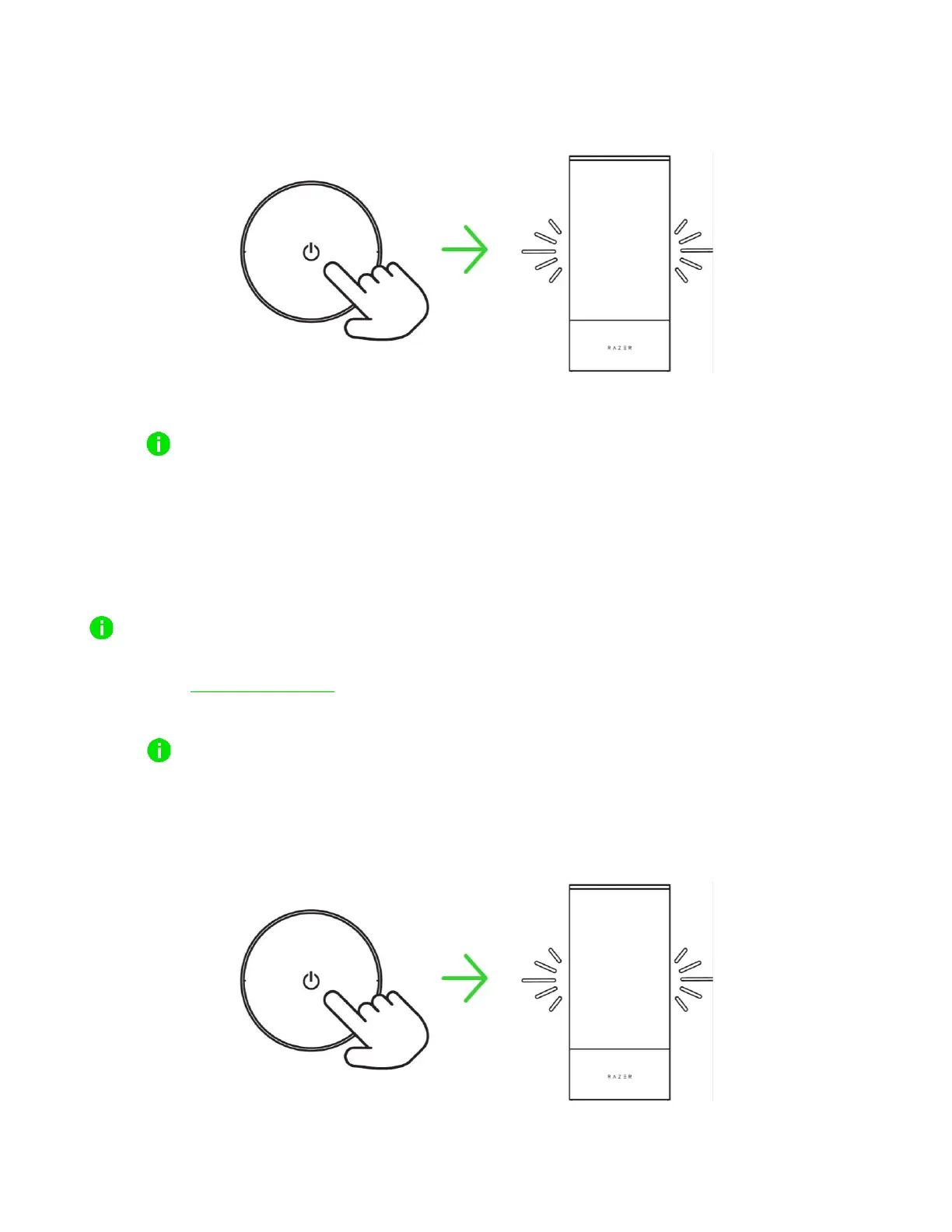
2. Press the power button to power on the lamp.
3. Launch the app, follow the onscreen instructions and scan the Matter QR code on the lamp.
Please make sure that your mobile device is on your preferred 2.4 GHz network.
You can now customize the Razer Aether Lamp Pro using the Razer Gamer Room app.
B. VIA PC / LAPTOP USING THE RAZER SYNAPSE APP
Before proceeding, make sure the lamp is already set up on your network (via the Razer Gamer
Room app) and your PC is on the same network.
1. Go to razer.com/synapse to download and launch Razer Synapse. For existing users, update
Razer Synapse to its latest version.
Registering for a Razer ID account is recommended but optional. You may continue as a
guest; however, you won't be able to store any of your settings on the cloud.
2. Press the power button to power on the lamp.



 To Next Page