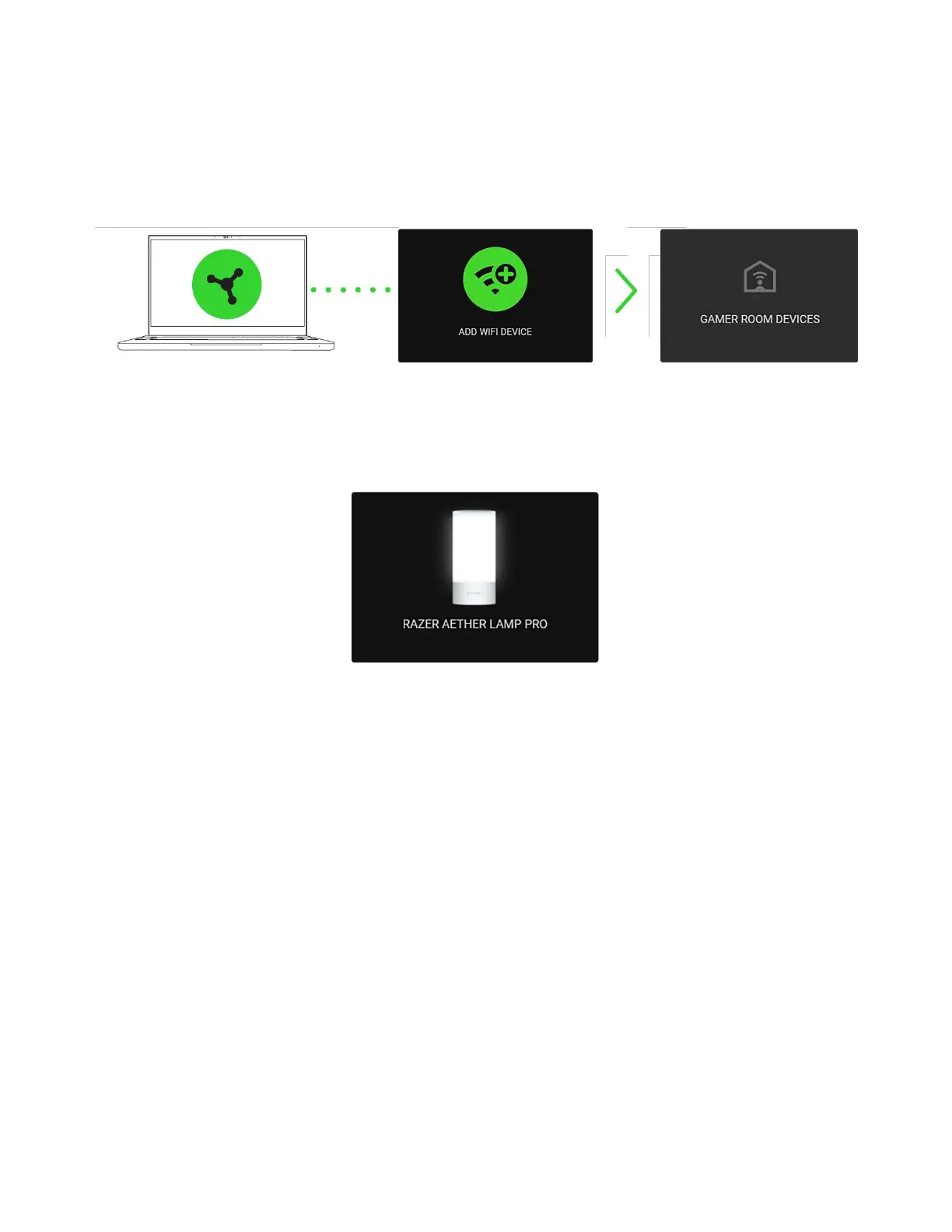
2. On Razer Synapse, click Add WiFi Device, choose Gamer Room Devices, select your device,
and follow the onscreen instructions.
3. Update when prompted, and wait for Razer Synapse to set up the Razer Aether Lamp Pro. The
Razer Synapse Dashboard will now show the Razer Aether Lamp Pro on the Devices list.
You can now customize the Razer Aether Lamp Pro using Razer Synapse.
UNDERSTANDING PAIRING MODE
Pairing mode is required when setting up the lamp from the Razer Gamer Room app. It activates
when you power on the lamp and deactivates after 5 minutes if the lamp remains unpaired. To
reactivate pairing mode, switch off and on the lamp's power supply.



 To Next Page