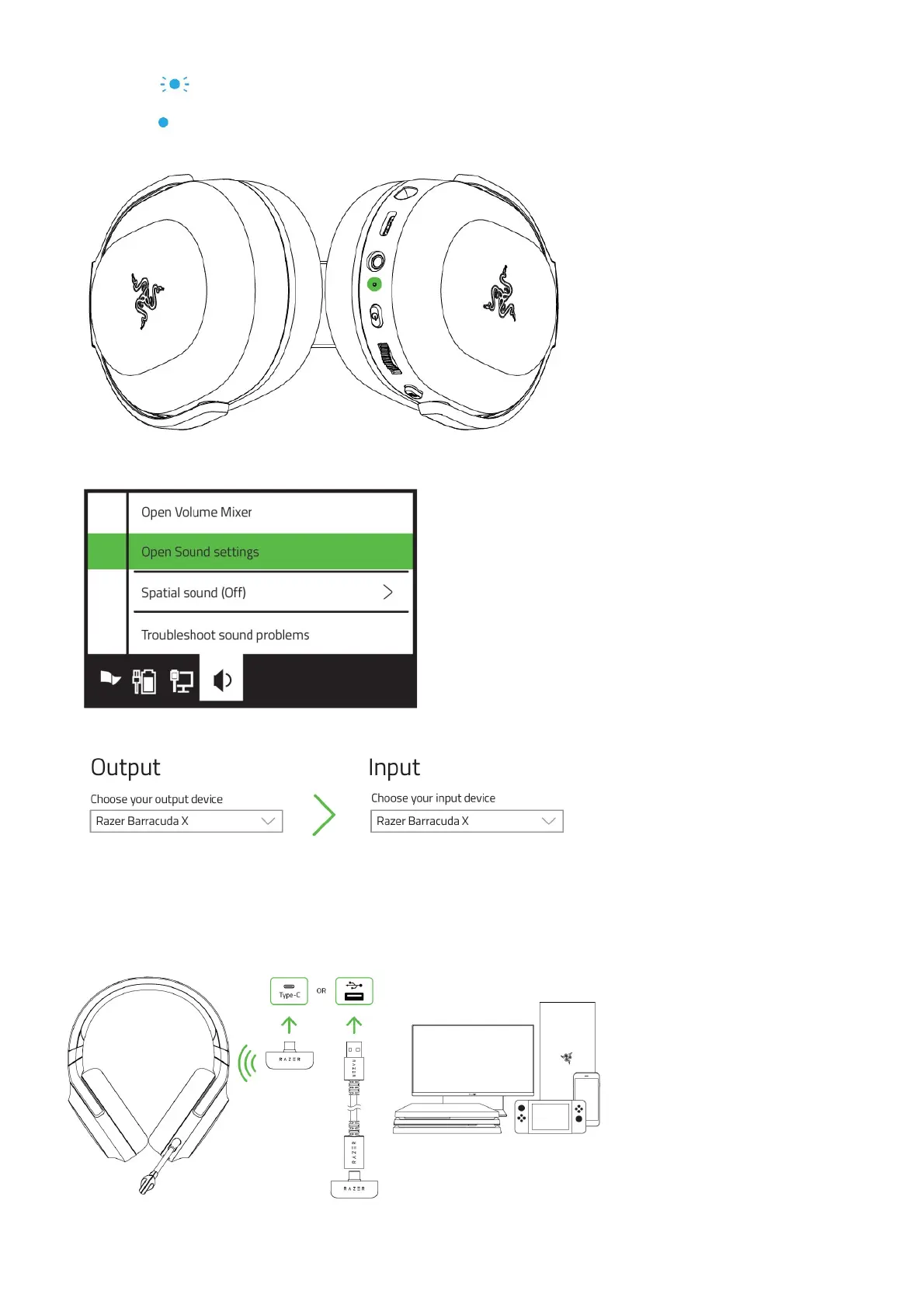
Indicator Status
Blinking blue
Pairing
Static blue
Connected
4. On your PC, right-click on the sound icon on the system tray, and then select Open Sound settings.
5. On the Sound window, set the Razer Barracuda X as the default Output and Input device.
Your headset is now ready to use.
B. TO OTHER DEVICES
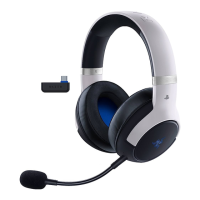
Plug the Type-C USB wireless transceiver to your device and make sure to set the Razer Barracuda X as its default input and output audio
device.
C. TO DEVICES VIA 3.5MM AUDIO + MIC JACK
If your device has a 3.5mm audio + mic combined jack, simply plug the 3.5mm combo cable from your headset’s microphone jack to your








 To Next Page