Surround sound: Only available on Windows® 10 64-bit
GETTING STARTED
CHARGING YOUR HEADSET
Connect your Razer Barracuda X to a powered USB Type-A port using the charging cable. For best results, please fully charge your headset
before using it for the first time. A depleted unit will fully charge in about 3 hours.
STATUS INDICATOR BEHAVIORS
When plugged in
Indicator Battery Status
Blinking green
Charging
Static green
Fully charged
When unplugged
Indicator Sound Battery Status
Static red
Warning tone Low (30%)
Blinking red
Warning tone Critical (10%)
CONNECTING YOUR HEADSET
A. TO YOUR PC
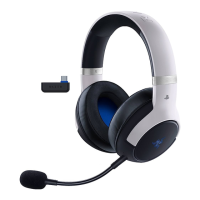
1. Plug the Type-C wireless transceiver to your PC.
2. Press and hold the power button until the status indicator is lit, or until you hear a tone.
3. Wait until the status indicator briefly becomes static blue indicating that the headset is now connected to the Type-C wireless transceiver.








 To Next Page