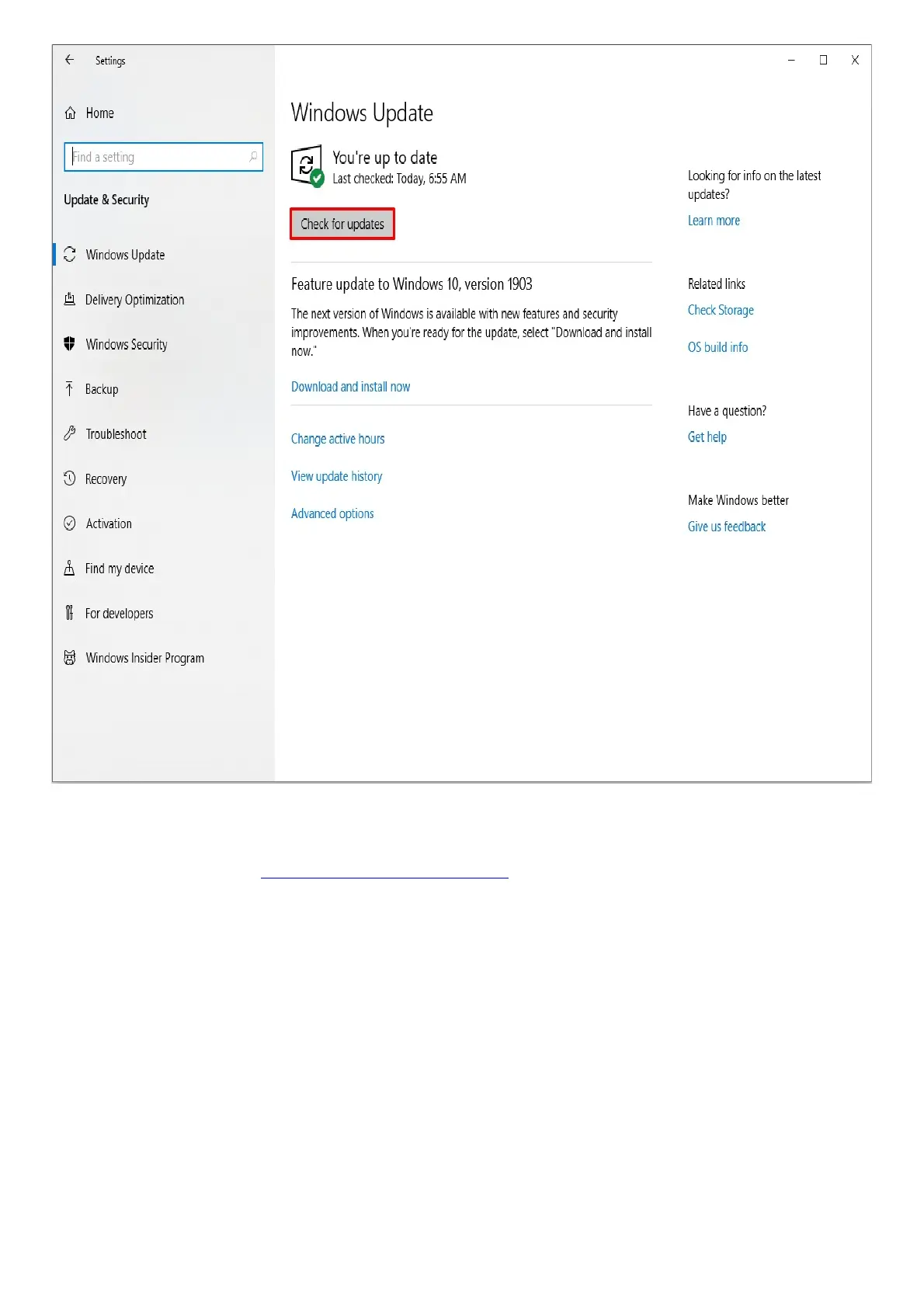
Your system should automatically prompt you of any missing update or if the device is currently up to
date.
For more information, see Microsoft Windows Support.
Troubleshooting
My laptop screen went blank after I tried to wake it up from sleep.
Restart your laptop and check your Nvidia Driver version. Please ensure that it is at version 460.89 or
newer. Also, make sure that the Windows 10, BIOS, and EC versions are up to date.
BIOS error message during installation
When downloading the proper BIOS firmware updater for your Razer Blade laptops, you may run into
the following issue when installing: “This firmware tool is for use only with Blade and compatible
system. The application will now close.”.



 To Next Page