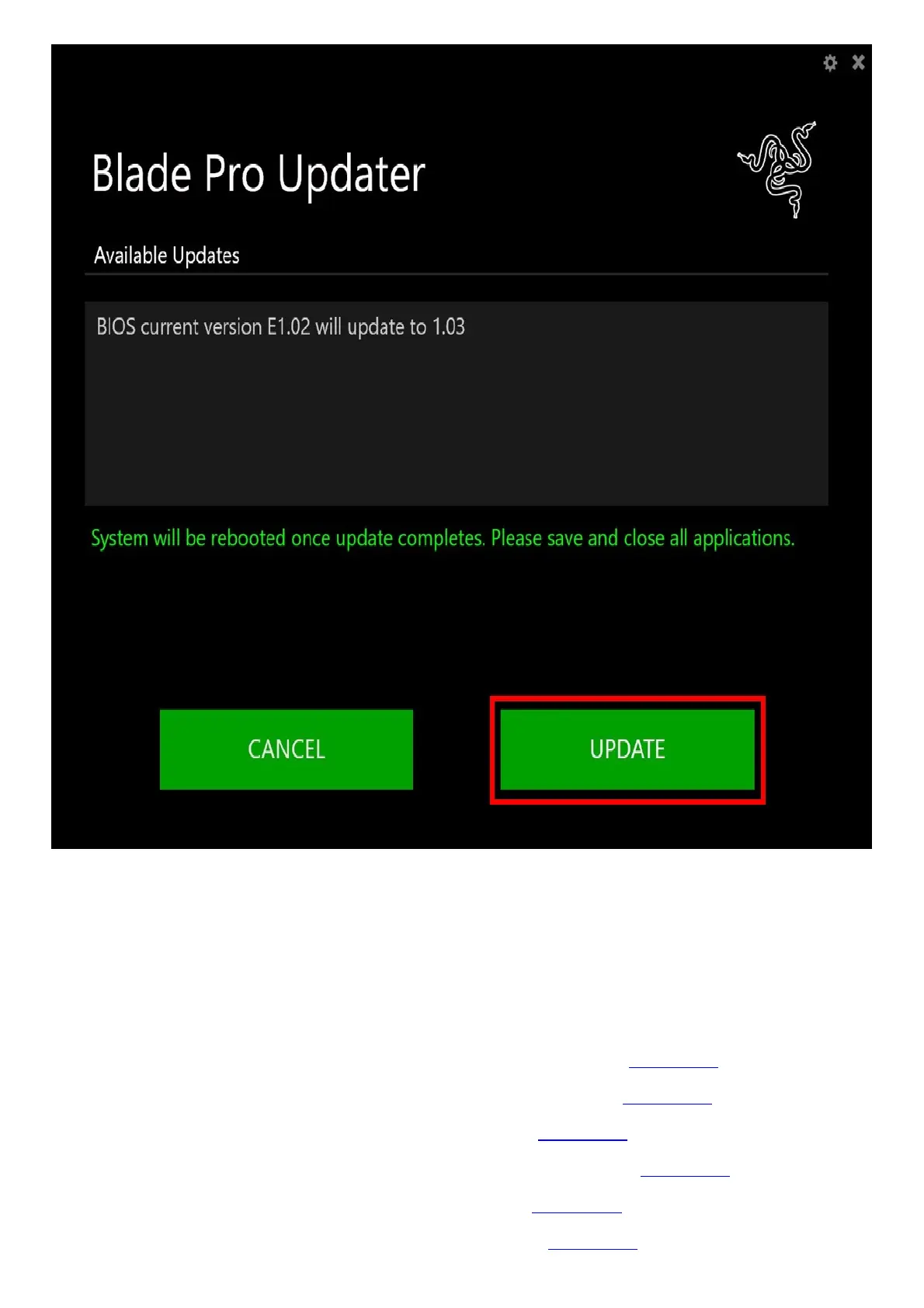
7. A progress bar will appear indicating the status and progression of the installation process. During
the install process, you will not be able to access other applications.
8. Once the progress bar reaches 100% completion, your Razer Blade will restart automatically. No
further action or steps are required after the progress bar reaches 100%. Once your Blade has
restarted, your system will be updated.
Downloads
Razer Blade Pro 17” (2020) | RZ09-0329x Manual (Chinese Traditional) – Download
Razer Blade Pro 17” (2020) | RZ09-0329x Manual (Chinese Simplified) – Download
Razer Blade Pro 17” (2020) | RZ09-0329x Manual (Russian) – Download
Razer Blade Pro 17” (2020) | RZ09-0329x Manual (Portuguese-Brazilian) – Download
Razer Blade Pro 17” (2020) | RZ09-0329x Manual (Korean) – Download
Razer Blade Pro 17” (2020) | RZ09-0329x Manual (Japanese) – Download



 To Next Page