12 | For gamers by gamers™
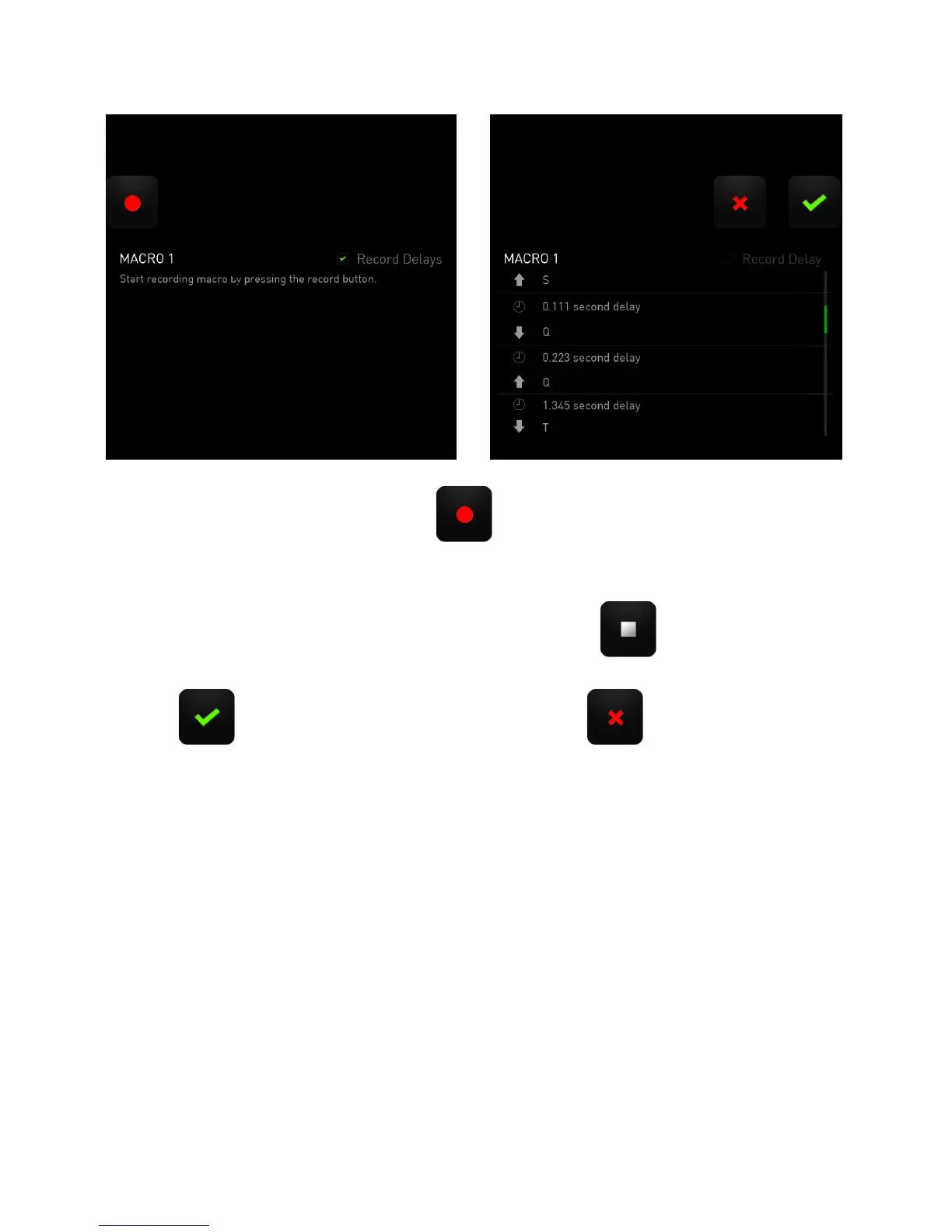
To create a macro, simply press the key. All keystrokes and button presses
herein will automatically be recorded on the macro screen.
Once you have entered your macro commands, press the key to end recording.
Press the key to save the session or press the key to discard it. After
choosing to save the session, you will be prompted to save the macro onto a key. You
may save it to a regular key or to the currently active set of Dynamic Adaptive Tactile
Keys. A prompt will appear once you have successfully saved the macro.



 To Next Page