6 | For gamers by gamers™
5. SETTING UP YOUR RAZER BLADE
POWER
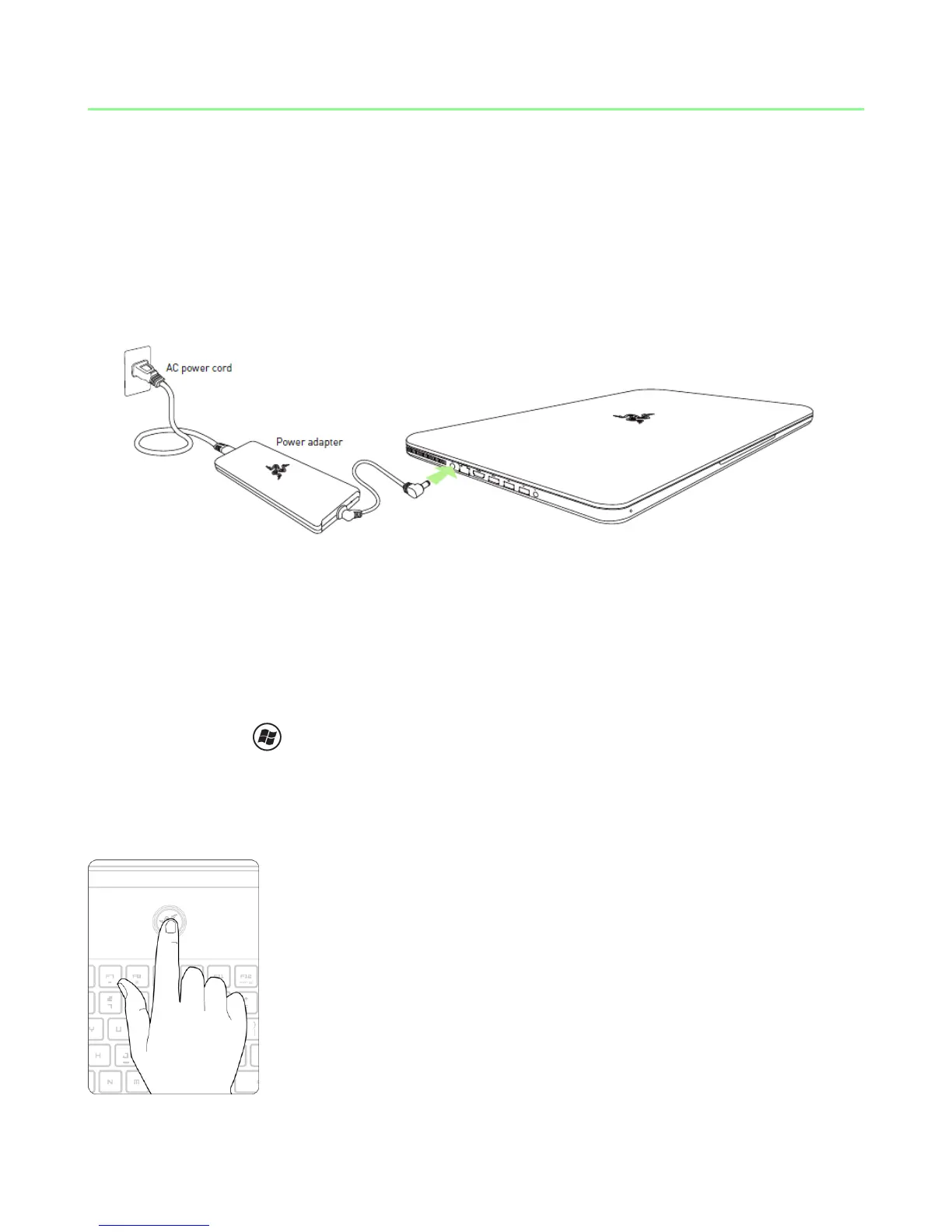
For the best results, please charge the battery fully the first time you use the Razer
Blade. A depleted battery will be fully charged in about 3 hours. Connect the Power
Adapter as follows:
INTERNET CONNECTION
Once you power the Razer Blade laptop and Windows 7 is loaded, activate your
internet connection by either:
- Plugging in an Ethernet cable to the Ethernet port.
- Enabling Wi-Fi.
o Press and X to open up the Windows Mobility Center.
o Under ‘Wireless Network’, select ‘Turn wireless on’.
o Configure your wireless network.
TURN ON THE POWER



 To Next Page