20 | For gamers by gamers™
Note: The options below are available exclusively for the Switchblade User Interface.
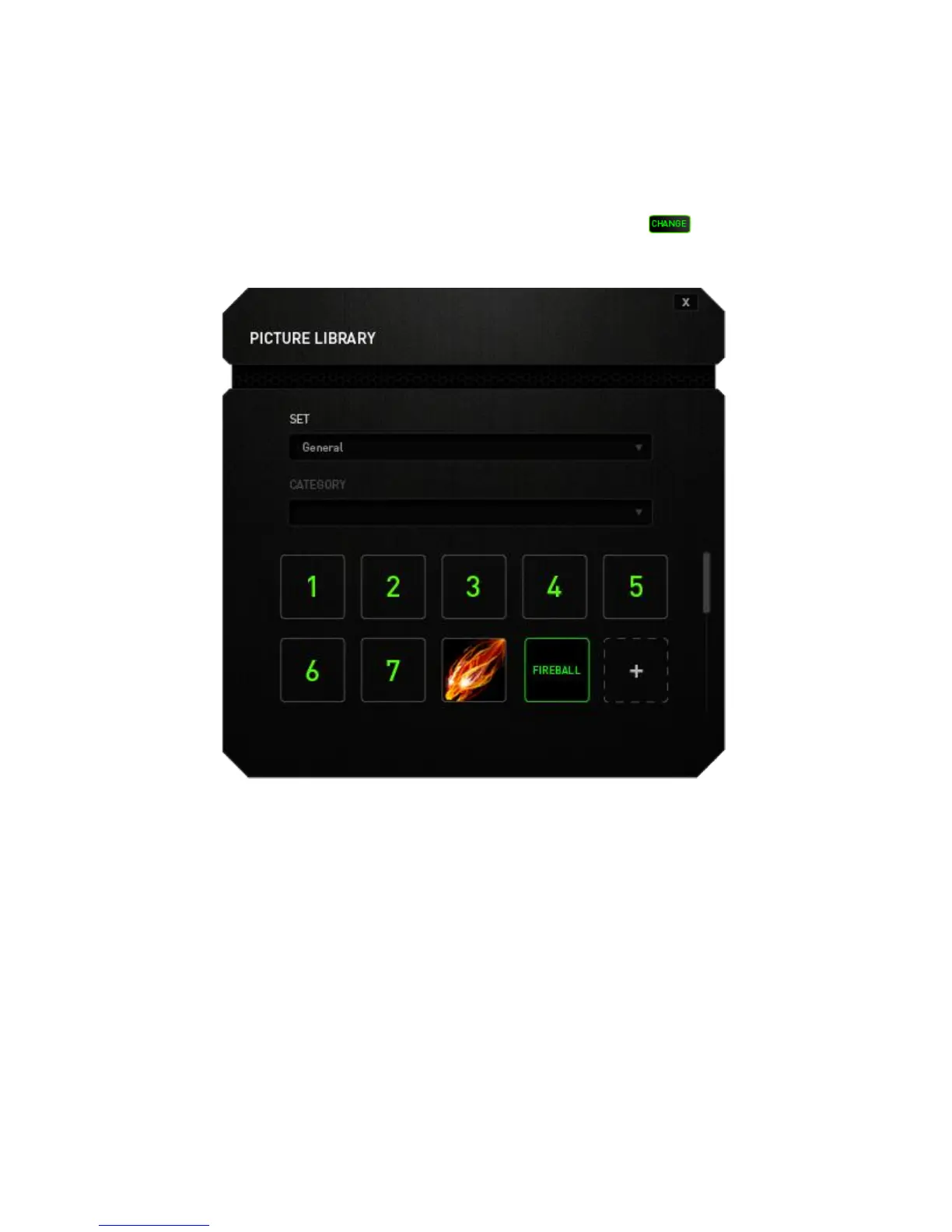
Change Key Appearance
This option enables you to change the appearance of each Dynamic Adaptive Tactile
Key. You can change each of the key’s appearance using the button located on
the Key Assignment menu.
You may use stock images provided by Synapse 2.0 or create your own by selecting
General on the Set dropdown menu.



 To Next Page