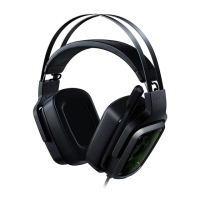
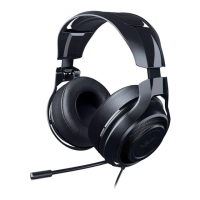
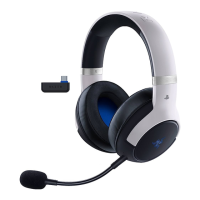
LED STATUS INDICATORS
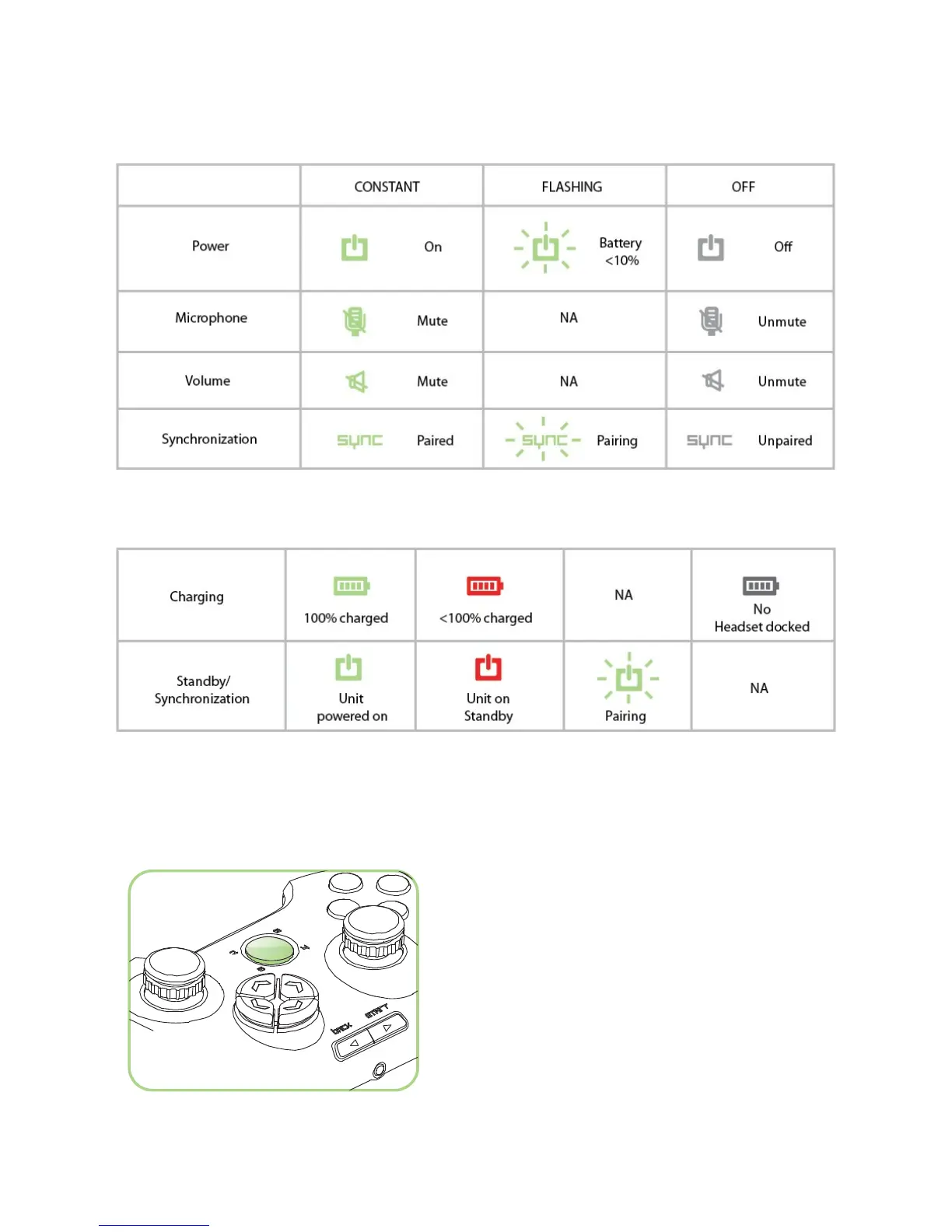
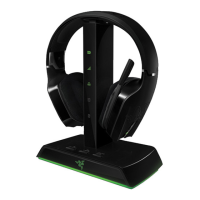
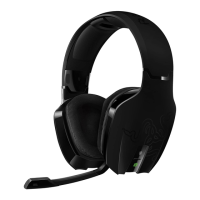
The Razer Chimaera has various LED status indicators on the headset and charging dock base
station.
HEADSET
CHARGING DOCK STATION
VOICE AND GAME VOLUME SETTINGS
1. On the Xbox Dashboard or in-game, press the Guide button.
2. Select Settings > Preferences > Voice.
3. Voice volume – Set the voice volume of your friends in game.
4. Game volume – Set the game volume during chat.


 To Next Page