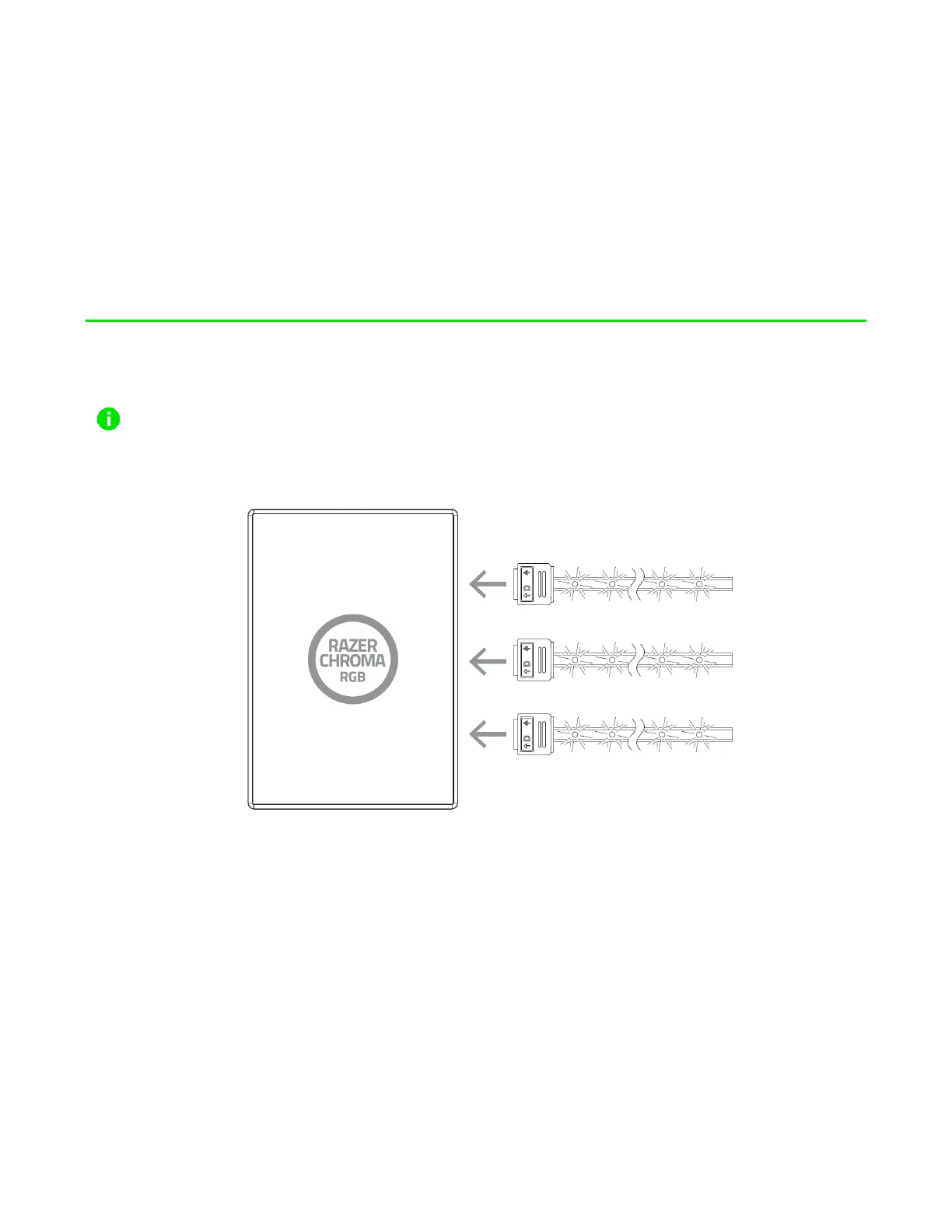
4. SETTING UP THE ARGB CONTROLLER
Before plugging an ARGB connector to any of the 3-pin 5V ports of the ARGB controller, make
sure that its pins are properly aligned to the chosen port.
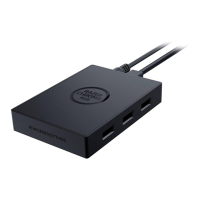
1. Plug your ARGB LED strips* or devices* to any of the 3-pin 5V ports of the ARGB controller.
2. Connect the ARGB controller to the Molex socket of your PC’s power supply unit using the
Molex to DC cable.
Warning: Please turn off your PC before proceeding to avoid electric shocks. For safety
purposes, please wear an anti-static wrist strap (not included) to avoid damaging the
internal components of your PC.


 To Next Page