Polling Rate
The higher the polling rate, the more often the computer receives information about the status of
your mouse, thus increasing the mouse pointer’s reaction time. You can switch between 125Hz (8ms),
500Hz (2ms) and 1000Hz (1ms) by selecting your desired polling rate on the dropdown menu.
Mouse Properties
From here, you can access the Windows Mouse Properties where you modify operating system
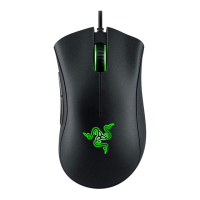
settings that can directly affect your Razer DeathAdder V2 Pro.













 To Next Page