Effects
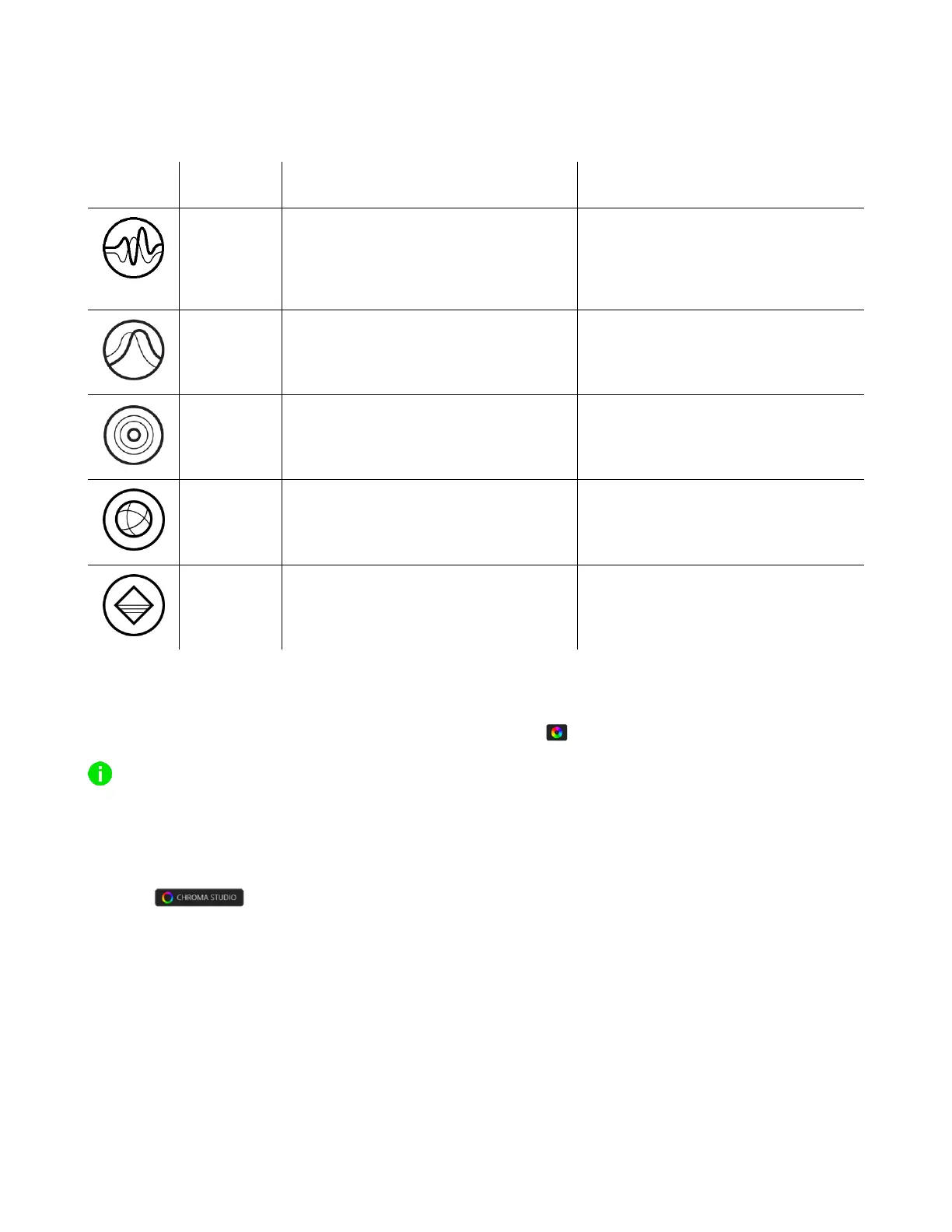
A number of effects can be selected and applied to your mouse’s lighting, as listed here:
The LEDs will light up according to
the audio level with a default
spectrum of colors
Select a Color Boost level
The lighting will fade in and out of
the selected color(s)
Select up to 2 colors or randomize
colors
The LEDs will light up when you click
any of the mouse buttons
Select a color and a duration
The lighting will cycle between 16.8
million colors indefinitely
No further customization required
The LEDs will remain lit in the
selected color
If you have other supported Razer Chroma-enabled devices, you can synchronize their quick effects
with your Razer device by clicking the Chroma Sync button ( ).
Only devices that support the selected lighting effect will synchronize.
Advanced Effects
The Advanced Effects option allows you to choose a Chroma Effect you want to use on your Razer
Chroma-enabled peripheral. To start making your own Chroma Effect, simply press the Chroma Studio
button ( ).














 To Next Page