7. SAFETY AND MAINTENANCE
SAFETY GUIDELINES
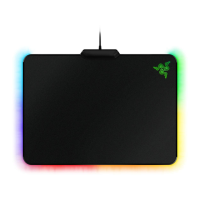
In order to achieve maximum safety while using your Razer Firefly, we suggest that you adopt the
following guidelines:
Should you have trouble operating the device properly and troubleshooting does not work, unplug
the device and contact the Razer hotline or go to support.razer.com for support.
Do not take apart the device (doing so will void your warranty) and do not attempt to operate it
under abnormal current loads.
Keep the device away from liquid, humidity or moisture. Operate the device only within the specific
temperature range of 0°C (32°F) to 40°C (104°F). Should the temperature exceed this range, unplug
and/or switch off the device in order to let the temperature stabilize to an optimal level.
MAINTENANCE AND USE
The Razer Firefly requires minimum maintenance to keep it in optimum condition. Once a month we
recommend you unplug the device from the computer and clean it using a soft cloth or cotton swab
to prevent dirt buildup. Do not use soap or harsh cleaning agents.


 To Next Page