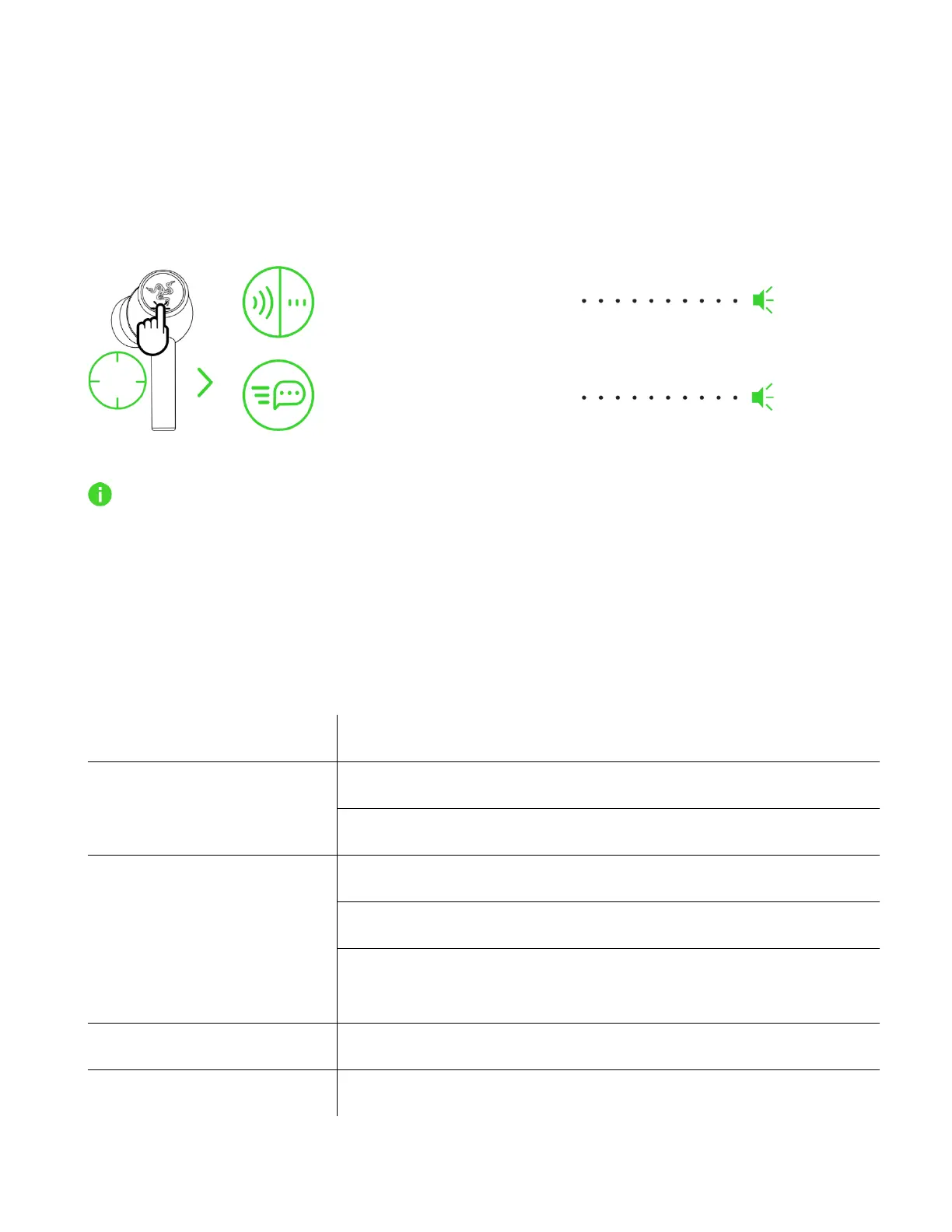
ACTIVE NOISE CANCELLATION (ANC) / QUICK ATTENTION MODE
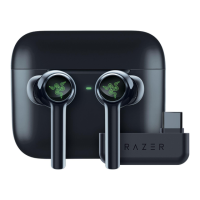
Active Noise Cancellation (ANC) helps eliminate background noise for enhanced immersion, while
Quick Attention Mode improves awareness by feed-forwarding your surroundings into the earbuds.
While connected to any audio source, tap and hold on any earbud for at least 2 seconds to activate or
deactivate ANC and repeat to activate Quick Attention Mode.
An audio prompt will notify you when ANC and Quick Attention Mode have been enabled.
Complete customization of these functions can be made using the Razer Audio app. Setting the
ANC level appropriate to the noise level of your surroundings or your preference from the Razer
Audio app is recommended.
FUNCTION BUTTON QUICK REFERENCE
The following default gestures are only available when the earbuds are powered on with Bluetooth as
the audio source. These gestures can be remapped using the Razer Audio App.









 To Next Page