6 | For gamers. by gamers.™
6. INSTALLING YOUR RAZER IMPERATOR
Note: You may skip Steps 2-4 if you already have Razer Synapse 2.0 installed and an existing account.
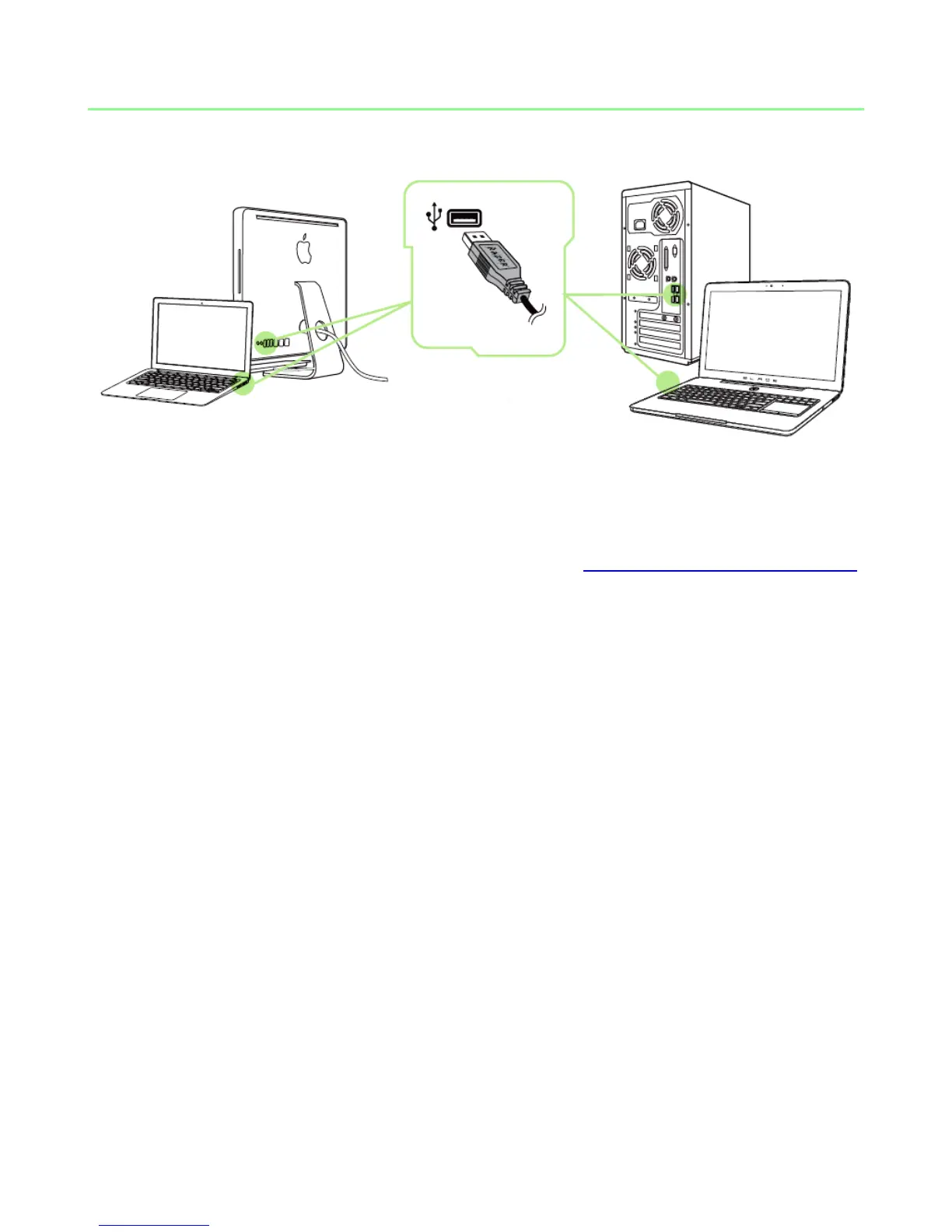
Step 1: Plug the Razer Imperator into the USB port of your computer.
Step 2: Download the Razer Synapse 2.0 installer from www.razerzone.com/synapse2.
Step 3: Run the installer and follow the on-screen instructions.
Step 4: Register for a Razer Synapse 2.0 account and confirm your new account.
Step 5: Open Razer Synapse 2.0 and login to your account.
Step 6: Wait until the software automatically downloads and installs.



 To Next Page