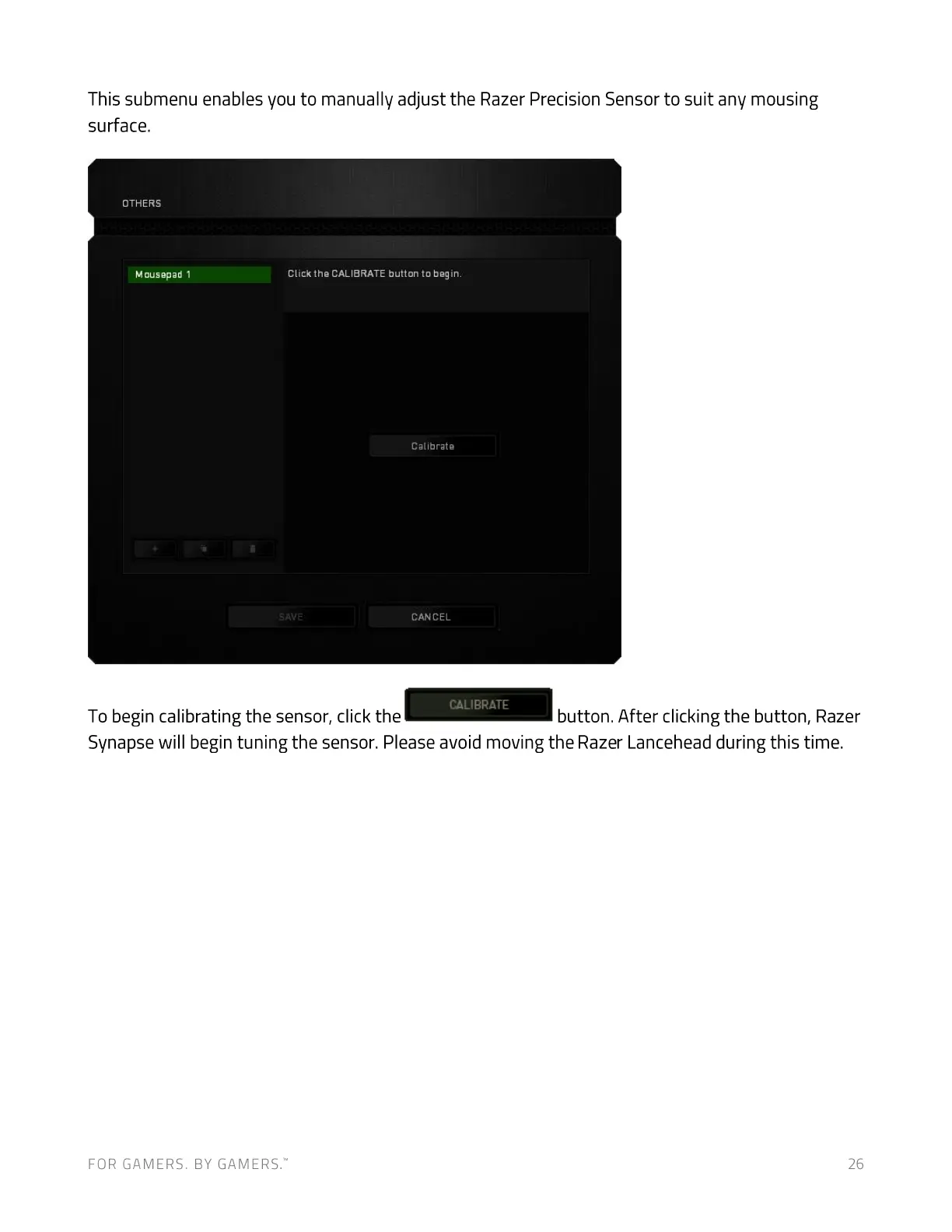
This submenu enables you to manually adjust the Razer Precision Sensor to suit any mousing
surface.
OTHERS
Mousepad 1 Click the CALIBRATE button to begin.
SAVE
To begin calibrating the sensor, click the
Calibrate
CANCEL
CALIBRATE
button. After clicking the button, Razer
Synapse will begin tuning the sensor. Please avoid moving the Razer Lancehead during this time.
FOR GAMERS. BY GAMERS:
26


 To Next Page