10 | For gamers by gamers™
CONNECTING TO AN AUDIO SOURCE
Note: When connected to devices with inbuilt speaker systems, audio may continue to be played via the inbuilt
speaker. In such cases, manually switch your device’s audio output to the Razer Leviathan.
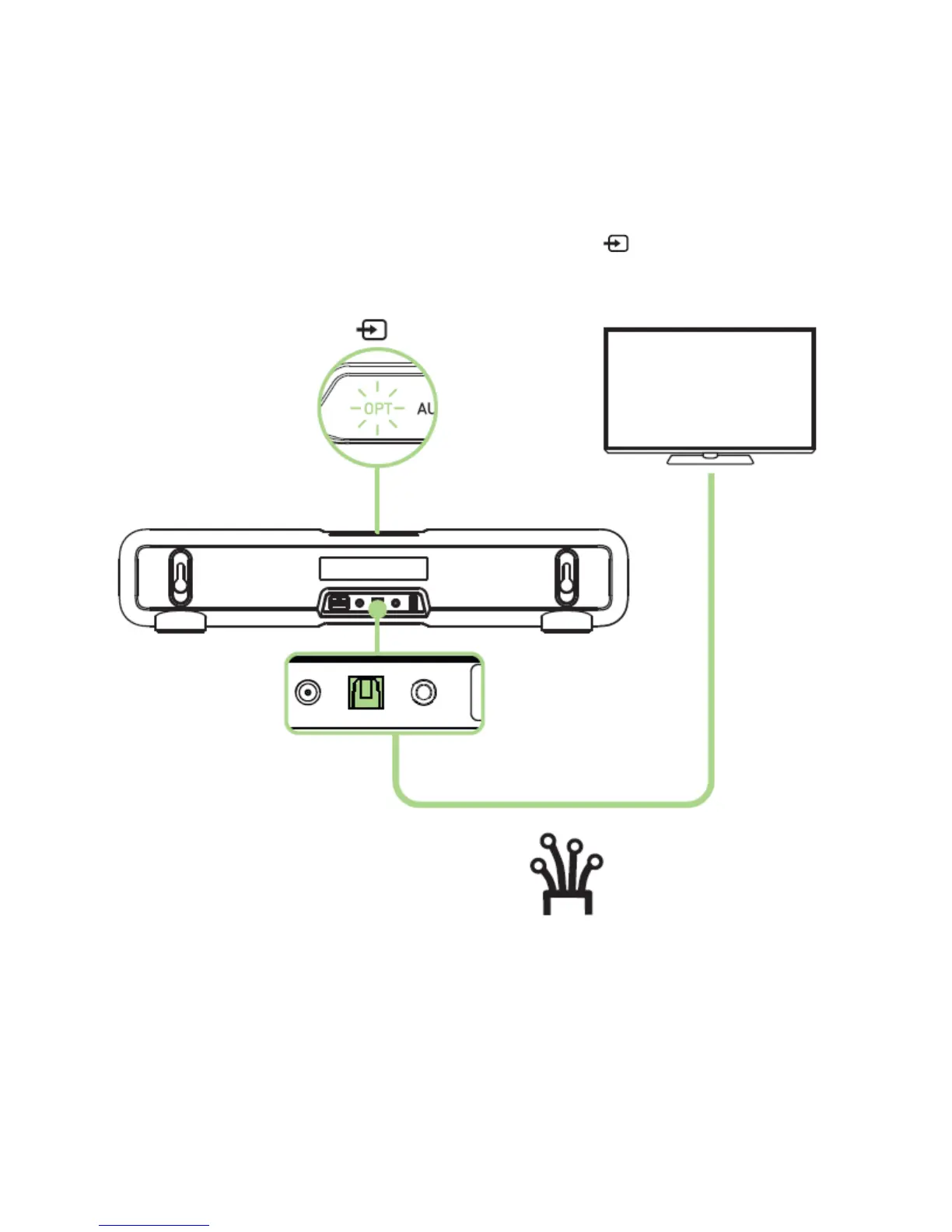
Connecting via the optical cable
Connect via Razer Leviathan’s optical port and press the button until the OPT LED
indicator lights up.



 To Next Page