8 | For gamers by gamers™
5. USING YOUR RAZER LEVIATHAN
SETTING UP AND POSITIONING YOUR SOUND BAR
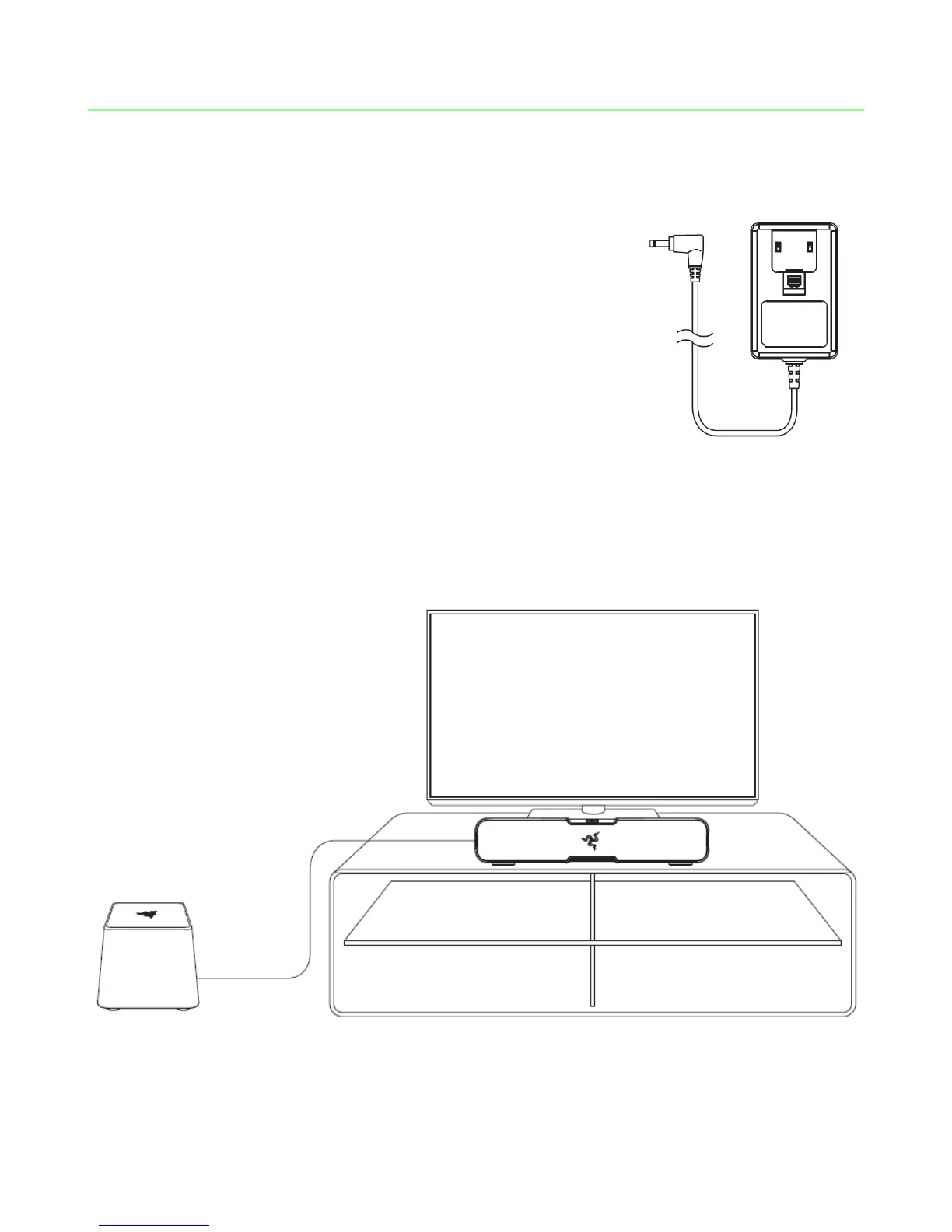
1. Select the appropriate power plug for your region and
attach it to the power adapter.
2. Position your sound bar and subwoofer.
For optimal performance, ensure that the subwoofer is placed on the floor regardless
of the positioning of your sound bar.



 To Next Page