14 | For gamers by gamers™
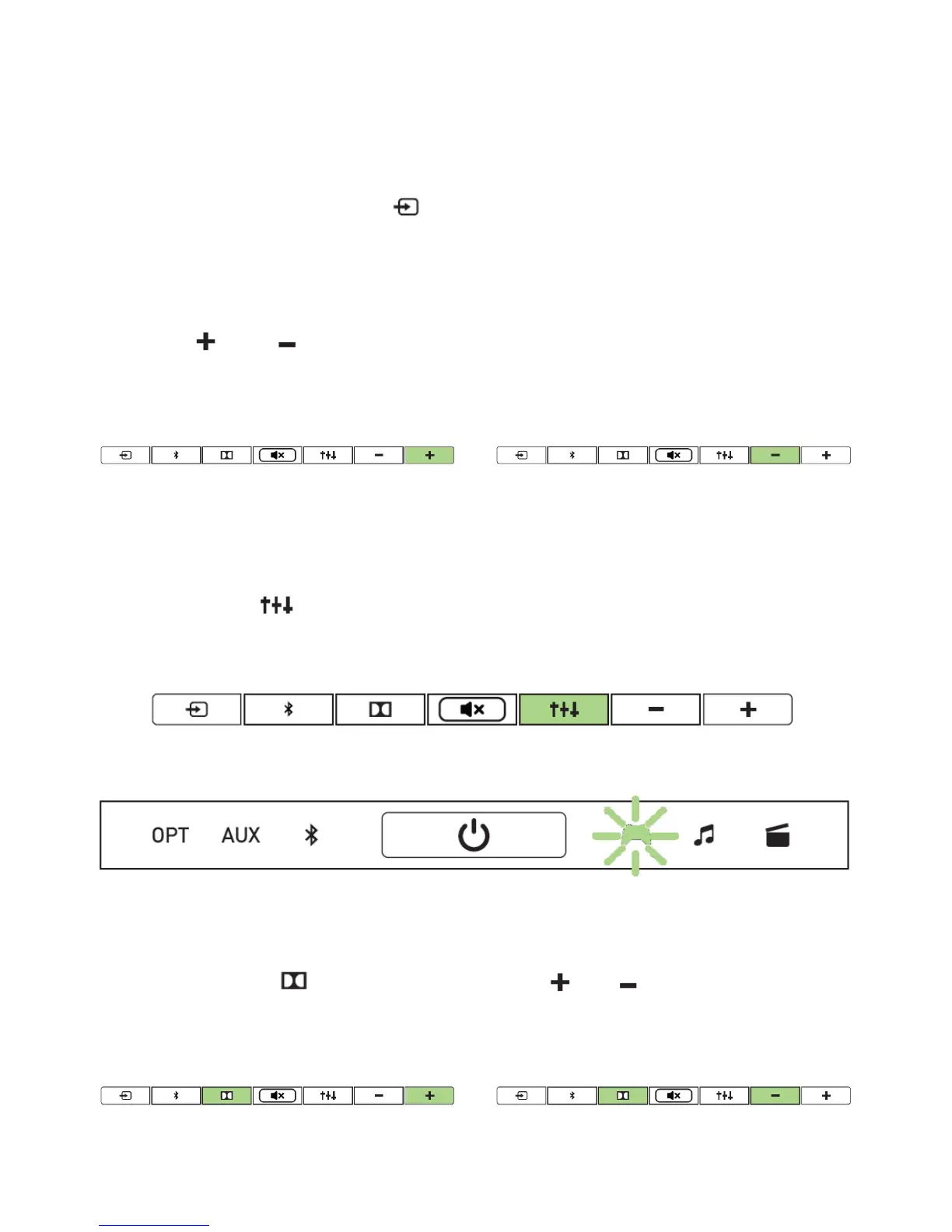
CHANGING THE INPUT SOURCE
The Razer Leviathan supports 3 types of audio input - Optical, Analog and Bluetooth.
The sound bar starts up in analog input when powered on. You can manually change
the input source by pressing the button. The LED indicator displays the currently
selected input source.
ADJUSTING THE VOLUME
Press the or buttons repeatedly or press and hold the buttons to
increase/decrease the volume respectively.
SELECTING AN EQUALIZER PRESET
3 equalizer preset settings are programmed into the sound bar, gaming, music and
movies. Press the button to select your desired preset. The LED indicator shows
which equalizer preset is currently in use.
ADJUSTING THE SUBWOOFER LEVEL
Press and hold the button, then press the or buttons to increase or
decrease the output level of the subwoofer respectively.



 To Next Page