CONNECTING TO YOUR HEADSET
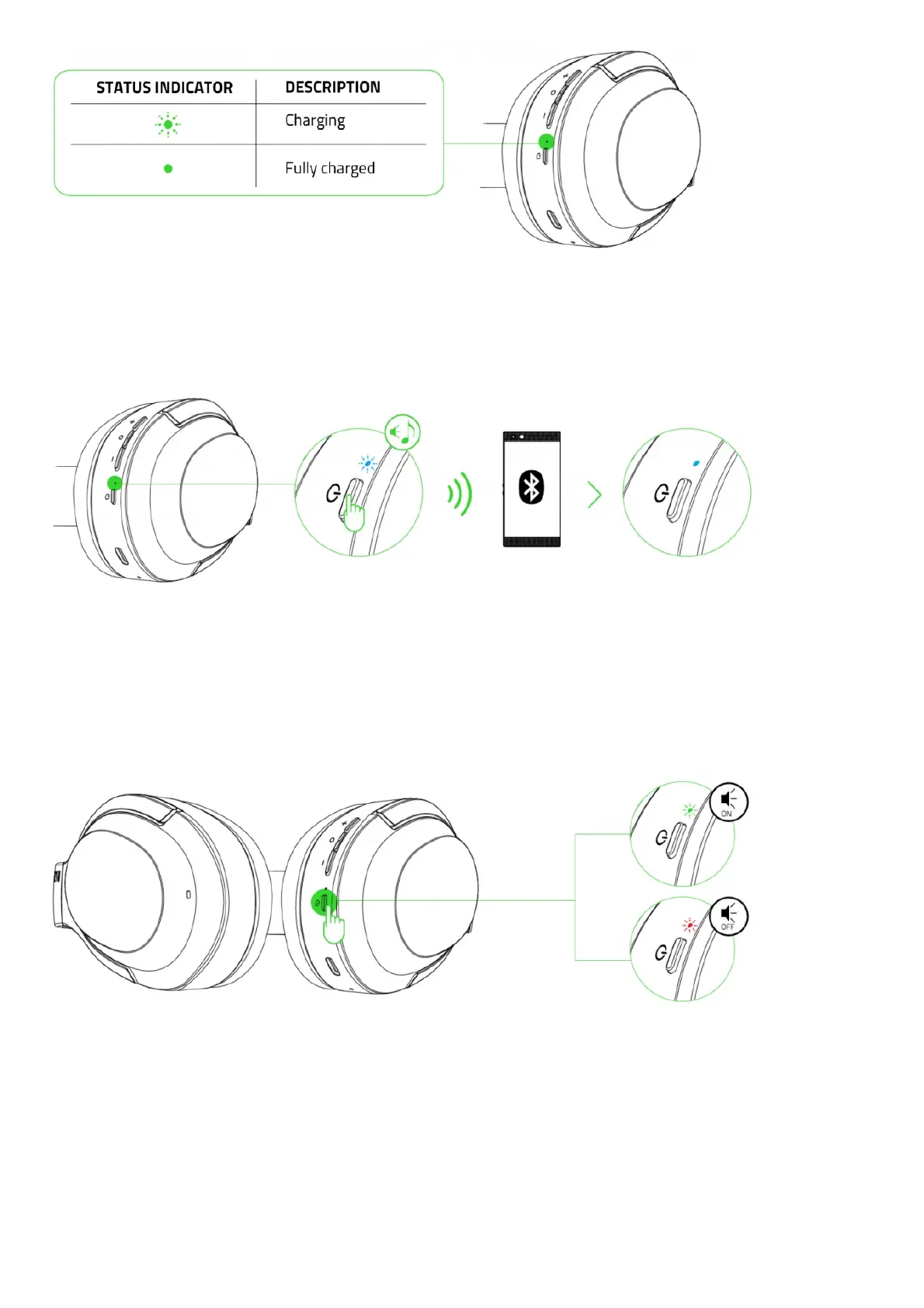
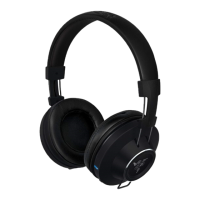
While powered off, press and hold the power button until the status indicator starts blinking blue. An audio prompt will
notify you that your Razer Opus Xis searching for compatible Bluetooth devices. Follow your device’s instructions to
pair it with your Razer Opus X. Once the headset is paired, the status indicator will briefly change to static blue.
USING YOUR RAZER OPUS X
POWER ON/OFF
Press and hold the power button until the status indicator turns green to power on. Press and hold the power button
again until the status indicator turns red to power off. Two distinct tones will help notify you that the headset is
powered on or off.
BATTERY LEVEL
While unplugged, your Razer Opus X will briefly show its battery level on the status indicator when you power on the
headset. While in use, a distinct tone will be heard when the battery needs recharging.




 To Next Page