22 | For gamers. by gamers.™
MACROS TAB
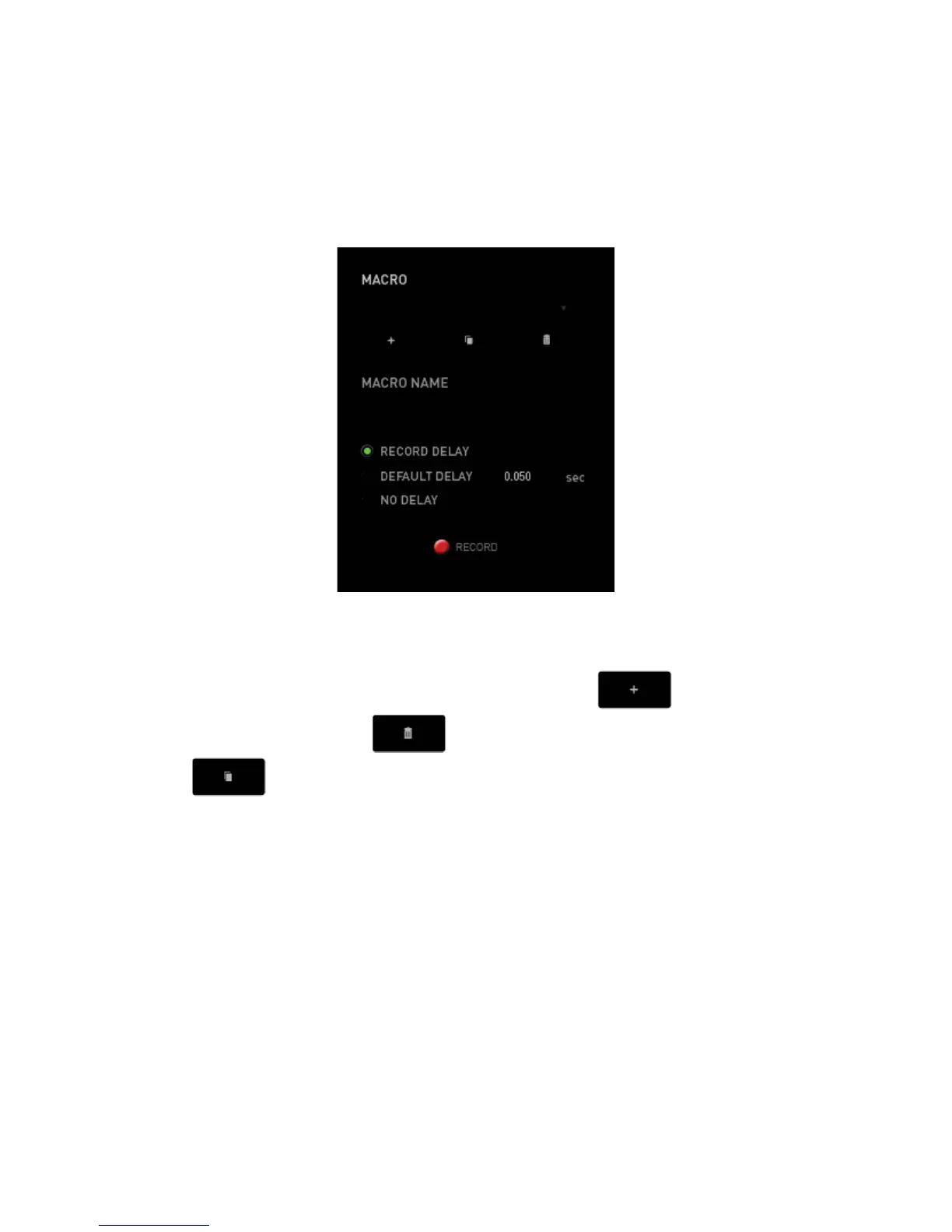
The Macros Tab allows you to create a series of precise keystrokes and button presses.
This tab also allows you to have numerous macros and extremely long macro
commands at your disposal.
The Macro section works similarly to Profile wherein you can rename a macro by typing
on the field below MACRO NAME. There are also other options available in the macro
section such as creating a new macro by clicking the
button, deleting the
current macro by clicking the
button or duplicating the current macro by
clicking the
button.



 To Next Page