24 | For gamers by gamers™
LIGHTING TAB
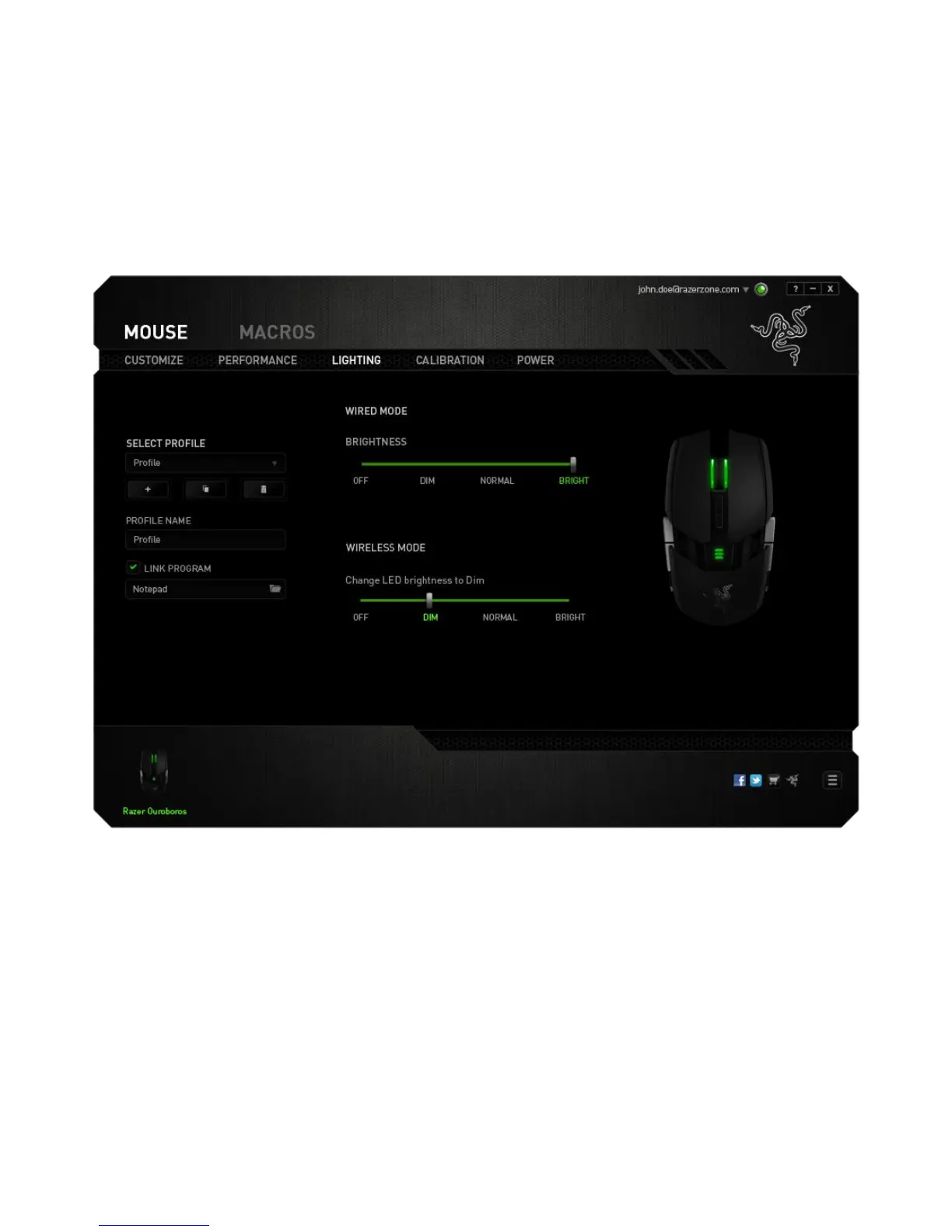
The Lighting Tab allows you to configure the LEDs of your Razer Ouroboros. You can set
the lighting to Off, Dim, Normal or Bright when the device is in wired mode or wireless
mode using their respective sliders. Similar to the previous tabs, the changes made
here are also automatically saved to your current profile.


 To Next Page