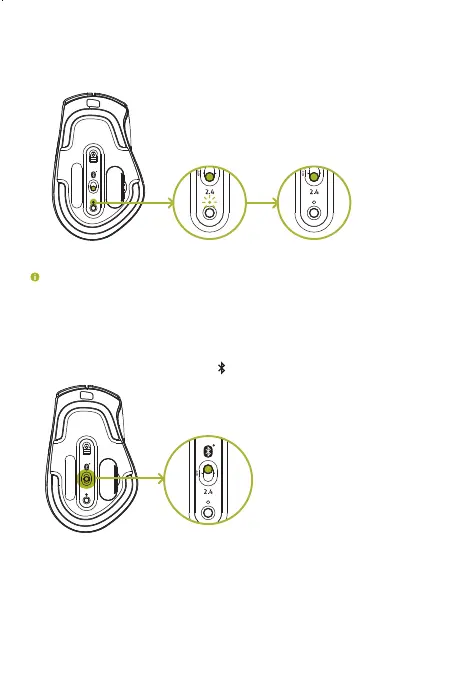
4. Wait until the mouse automatically pairs with the wireless USB dongle. When
paired, the pairing indicator will change to static white for 3 seconds before turning
off.
2.4
OFF
PairedPairing
Keep the pairing devices within close proximity of each other for a faster and more
stable connection.
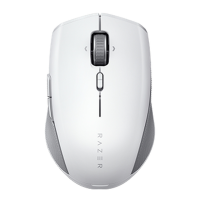
Congratulations, your Razer Pro Click is now ready to use in 2.4 GHz mode.
CONNECTING THE RAZER PRO CLICK VIA BLUETOOTH MODE
1. Switch the slider to Bluetooth mode ( ).
2.4
OFF
Paired
ProClick_IPIG_200520.indd 8 26/5/20 10:30 AM



 To Next Page