How do I switch between profiles?
To switch between any of the Bluetooth profiles available on your keyboard, simply press the corresponding
shortcut of the profile your device is registered to.
How do I know which profile is active?
The LED indicators will display which profile is currently active while the fn key is pressed
What do the battery LED indicator colors mean?
Below are the Power Indicators status based on the Razer Pro Type | RZ03-03070 battery.
*Critical status indicates that the keyboard’s battery is less than 3%. The lighting sequence will repeat until
the battery has been drained or the keyboard is being charged.
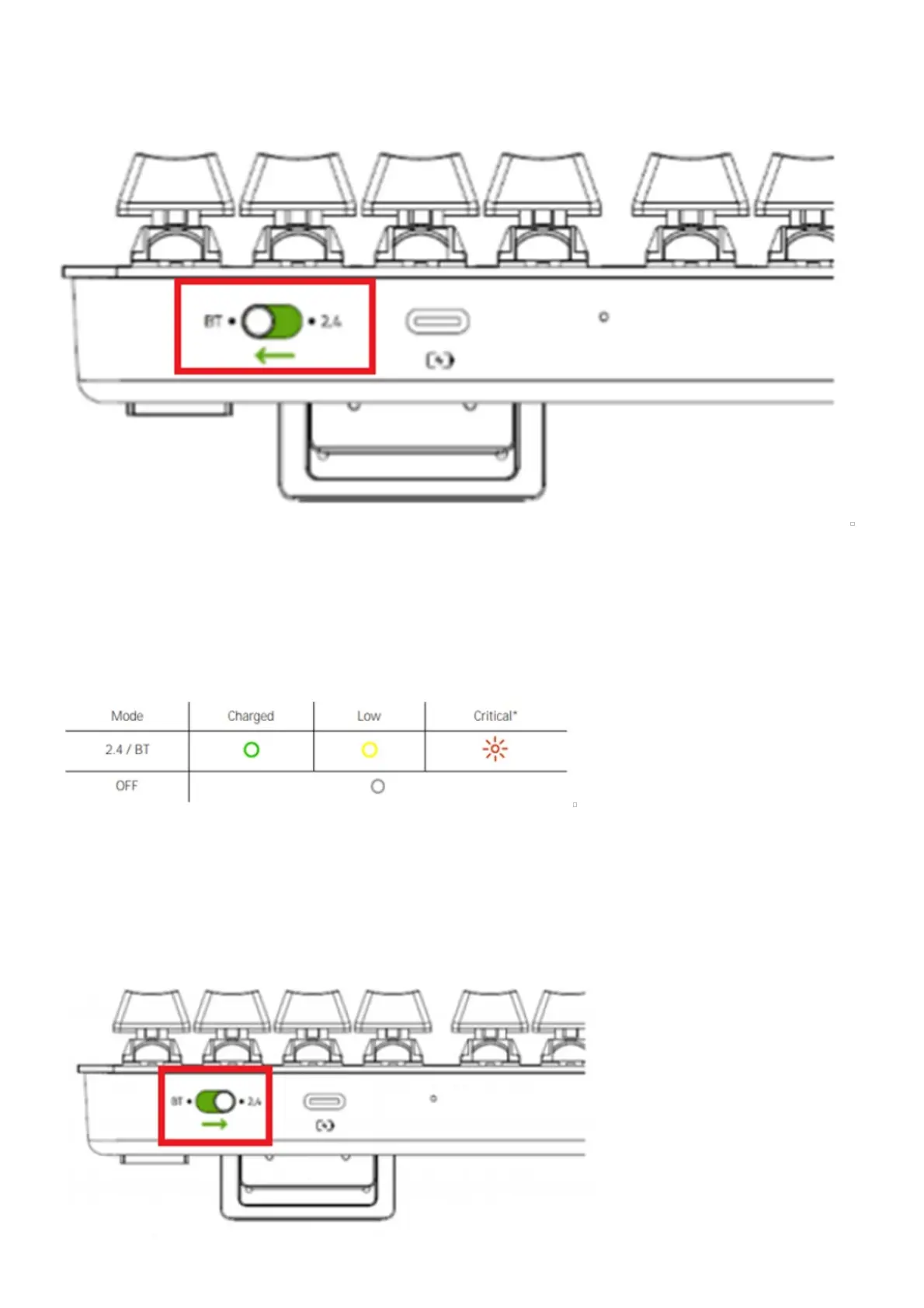
How to switch connectivity mode of the Razer Pro Type?
You can switch the connectivity mode of the Razer Pro Type | RZ03-03070 between 2.4GHz and Bluetooth by
switching the toggle as shown below.







 To Next Page