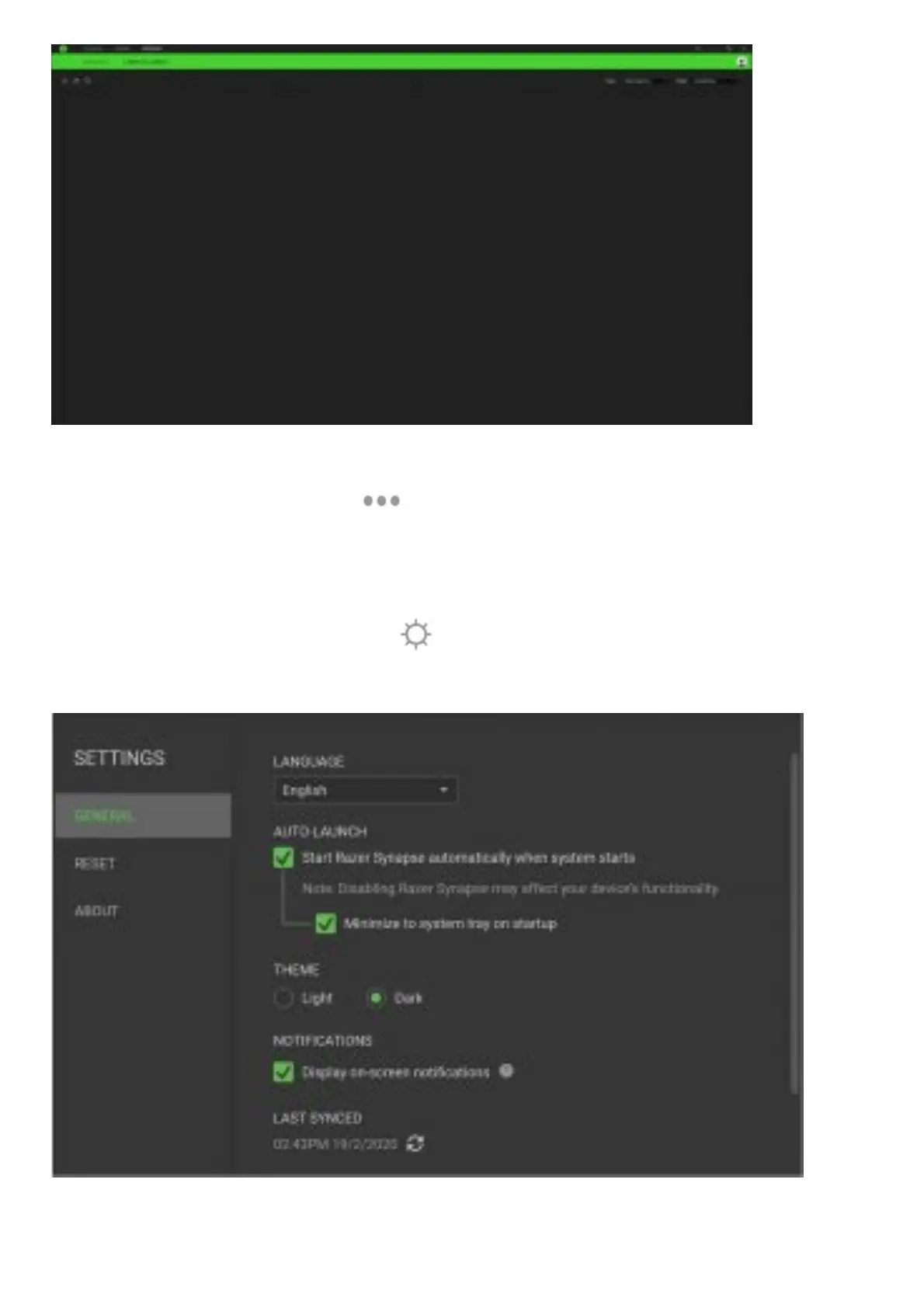
To link games to connected Razer devices, simply click on a game from the list, and then click Select a device and
its profile to launch automatically during gameplay link to select the Razer device it will link with. Once linked,
you may click on the Miscellaneous button ( ) of the corresponding device to select a specific profile.
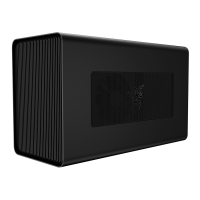
SETTINGS WINDOW
The Settings window, accessible by clicking the ( ) button on Razer Synapse, enables you to configure the
startup behavior and display language of Razer Synapse, view the master guides of each connected Razer device,
or perform factory reset on any connected Razer device.
General tab
The default tab of the Settings window. The General tab enables you to change the software’s display language,


 To Next Page