PROFILES TAB
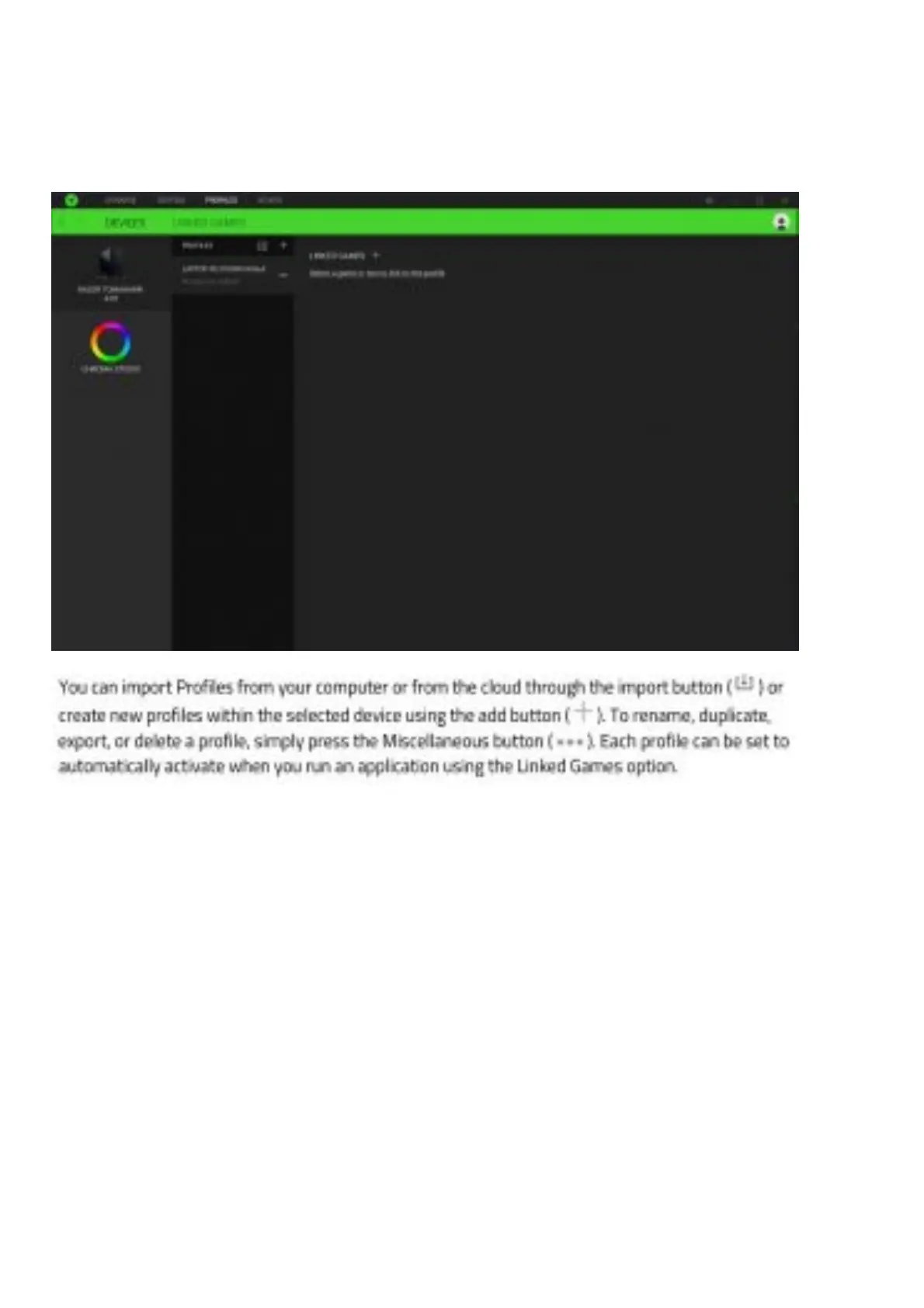
The Profiles tab is a convenient way of managing all your profiles and linking them to your games and applications.
Devices
View which Razer device is using a specific profile using the Devices subtab.
Linked Games
The Linked Games sub tab gives you the flexibility to add games, view devices that are linked to games, or search for
added games. You can also sort games based on alphabetical order, last played, or most played. Added games will
still be listed here even if it is not linked to a Razer device.


 To Next Page