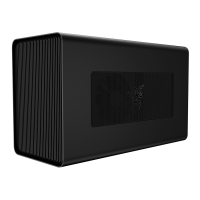
luminance using the slider.
Switch Off Lighting
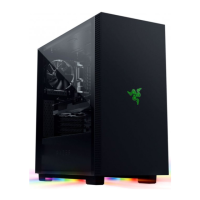
This is a power saving tool which allows you to disable the lighting on the gaming chassis in response to your display
turning off.
Effects
A number of effects can be selected and applied to your gaming chassis’ lighting, as listed here:
If you have other supported Razer Chroma-enabled devices, you can synchronize their quick effects with your Razer
device by clicking the Chroma Sync button( ).
Advanced Effects
The Advanced Effects option allows you to choose a Chroma Effect you want to use on your Razer Chroma-enabled
peripheral. To start making your own Chroma Effect, simply press the Chroma Studio button ( ).


 To Next Page