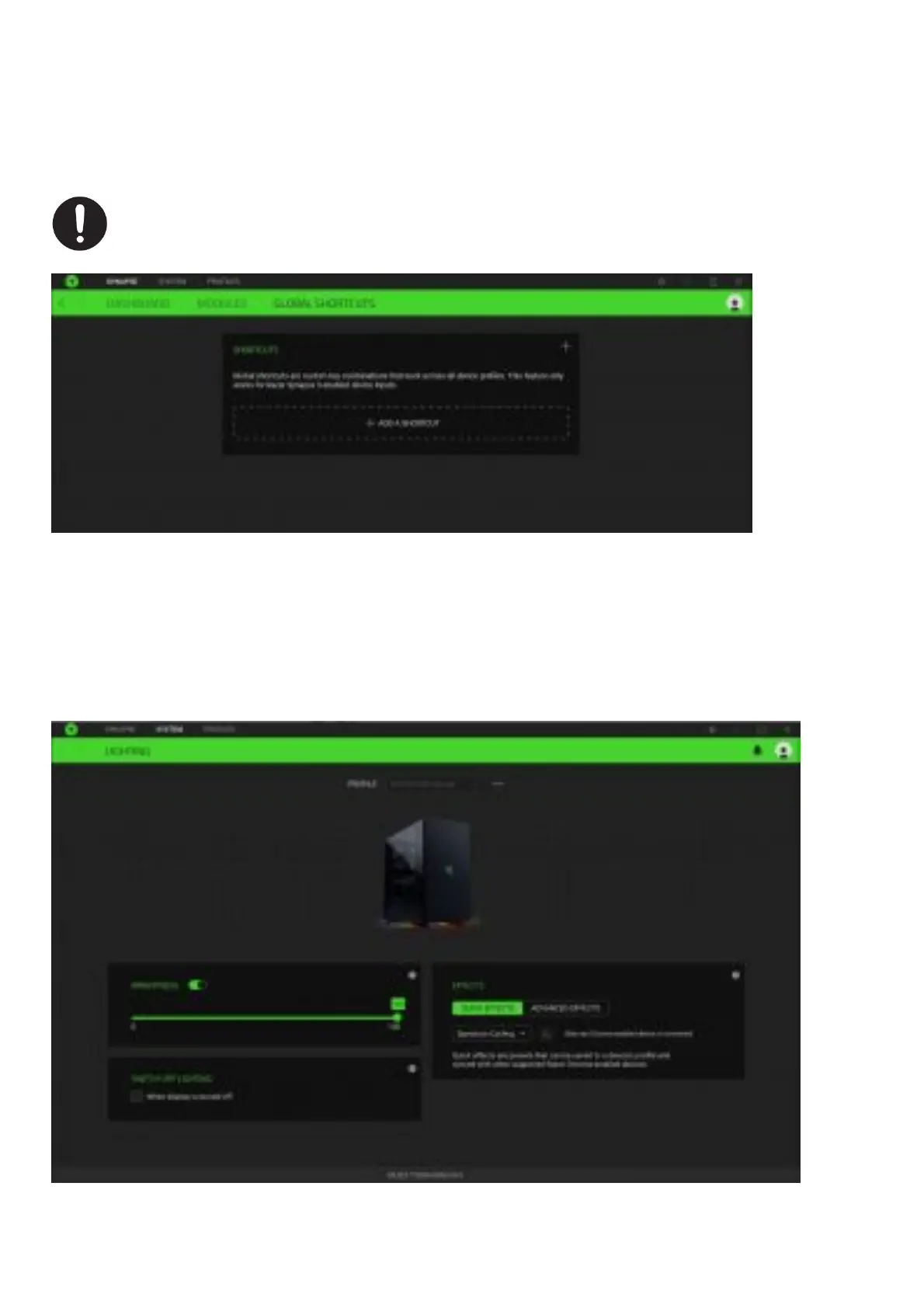
Global Shortcuts
Bind operations or Razer Synapse functions to custom key-combinations from any Razer Synapse enabled device
inputs which apply across all device profiles.
Global Shortcuts Bind operations or Razer Synapse functions to custom key-combinations from any Razer
Synapseenabled device inputs which apply across all device profiles.
Only Razer Synapse-enabled device inputs will be recognized.
SYSTEM
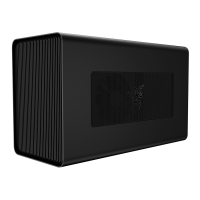
The System tab is the main tab for your gaming chassis. This tab allows you to customize your device’s profiles and
lighting. Changes made under this tab are automatically saved to your system and cloud storage.
Lighting
The Lighting sub tab enables you to modify your Razer device’s light settings.
Brightness
You can turn off the lighting on the gaming chassis by toggling the Brightness option or increase/decrease the


 To Next Page