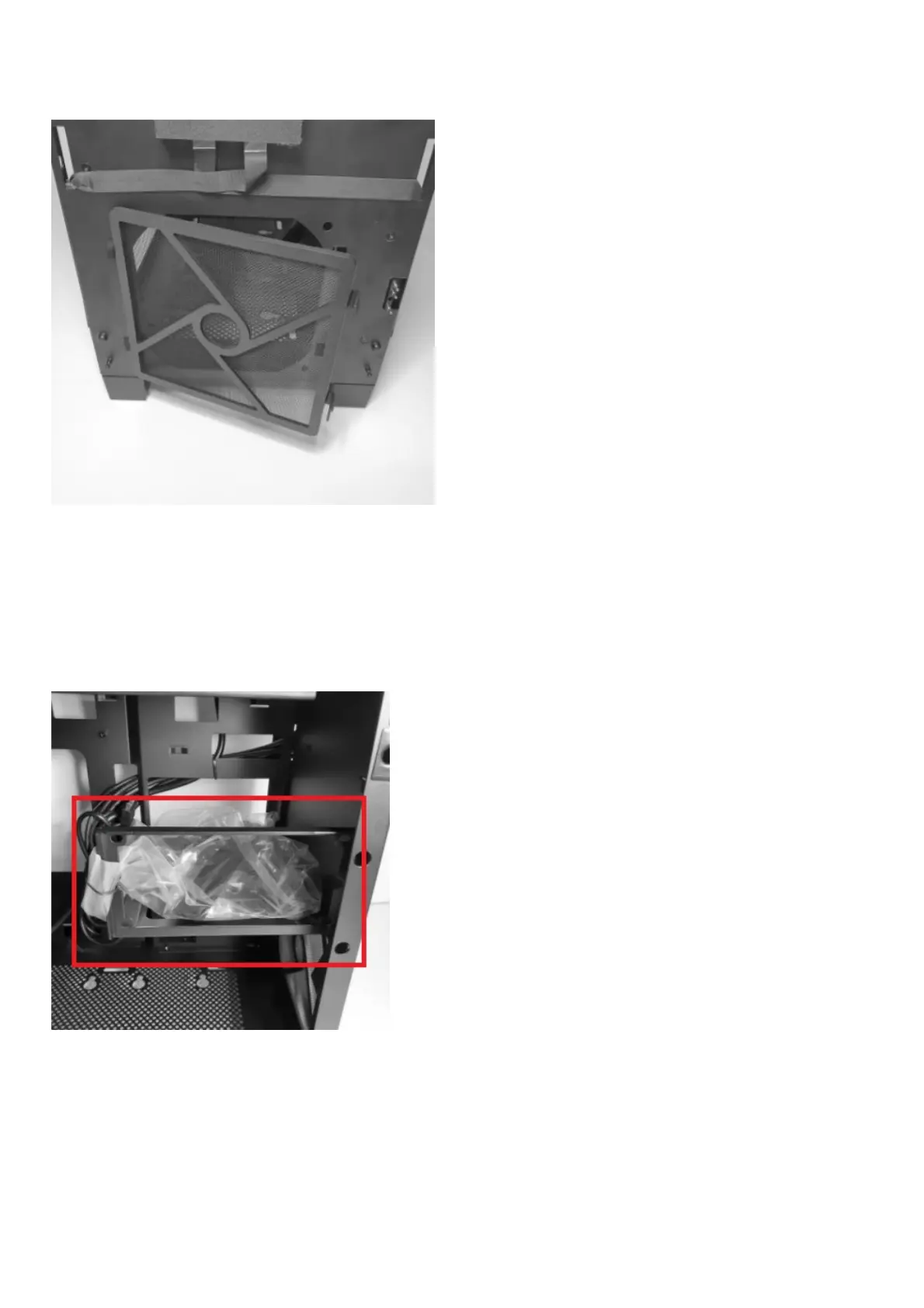
How do I clean the dust filters?
There is a dust filter located at the front of the inner chassis.
Note: Keep your chassis in optimal temperature by cleaning the dust filter as often as possible.
Hardware
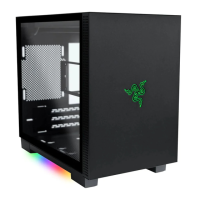
Where can I find the accessories for the Razer Tomahawk Mini-ITX?
The accessories pack can be found in the hard drive mount as shown below.
What is inside the accessories pack of the Razer Mini-ITX?
The accessories pack consist of:
A. Screws for motherboard x6
B. Anti-vibration rings for 2.5″ SSD / 3.5″ HDD mount x12
C. Screws for PSU mount x4
D. Screws for 2.5″ SSD mount x12
E. Thumbscrew for 2.5″ HDD mount x1
F. Screws for fan mount x24


 To Next Page