6. PERSONALIZE YOUR EXPERIENCE
Download the Razer Controller app to customize the controller according to your playstyle. Remap
the buttons, triggers, and bumpers to preferred commands and even experience full RGB lighting
customization from your mobile device.
7. USING YOUR CONTROLLER
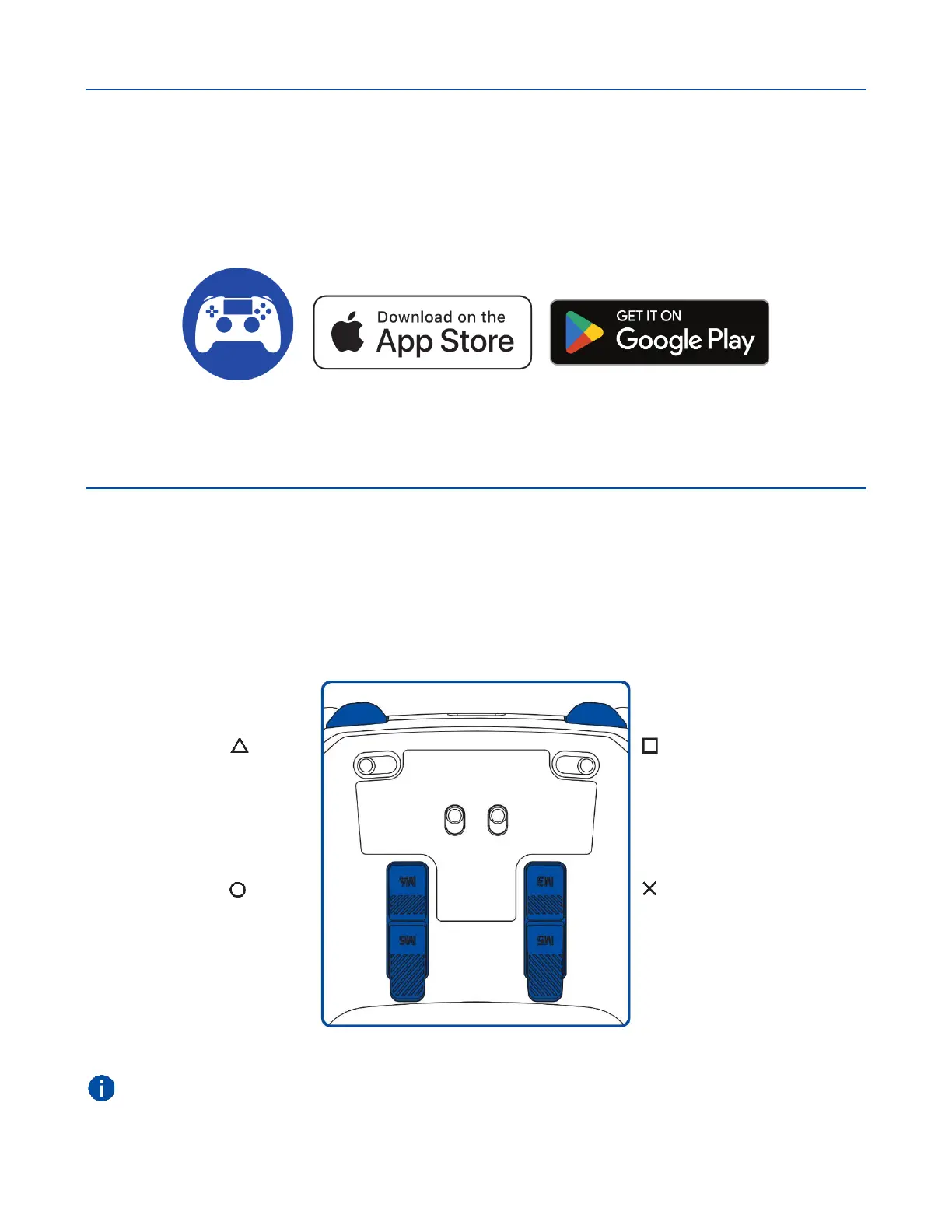
DEFAULT CONTROLLER MAPPING (M1 – M6)
By default, each of the controller's buttons is mapped to a specific function, while the M1 / M2
bumpers and M3 -M6 triggers are mapped as follows:
You can remap the functions of the bumpers and triggers using the Razer Controller app.










 To Next Page