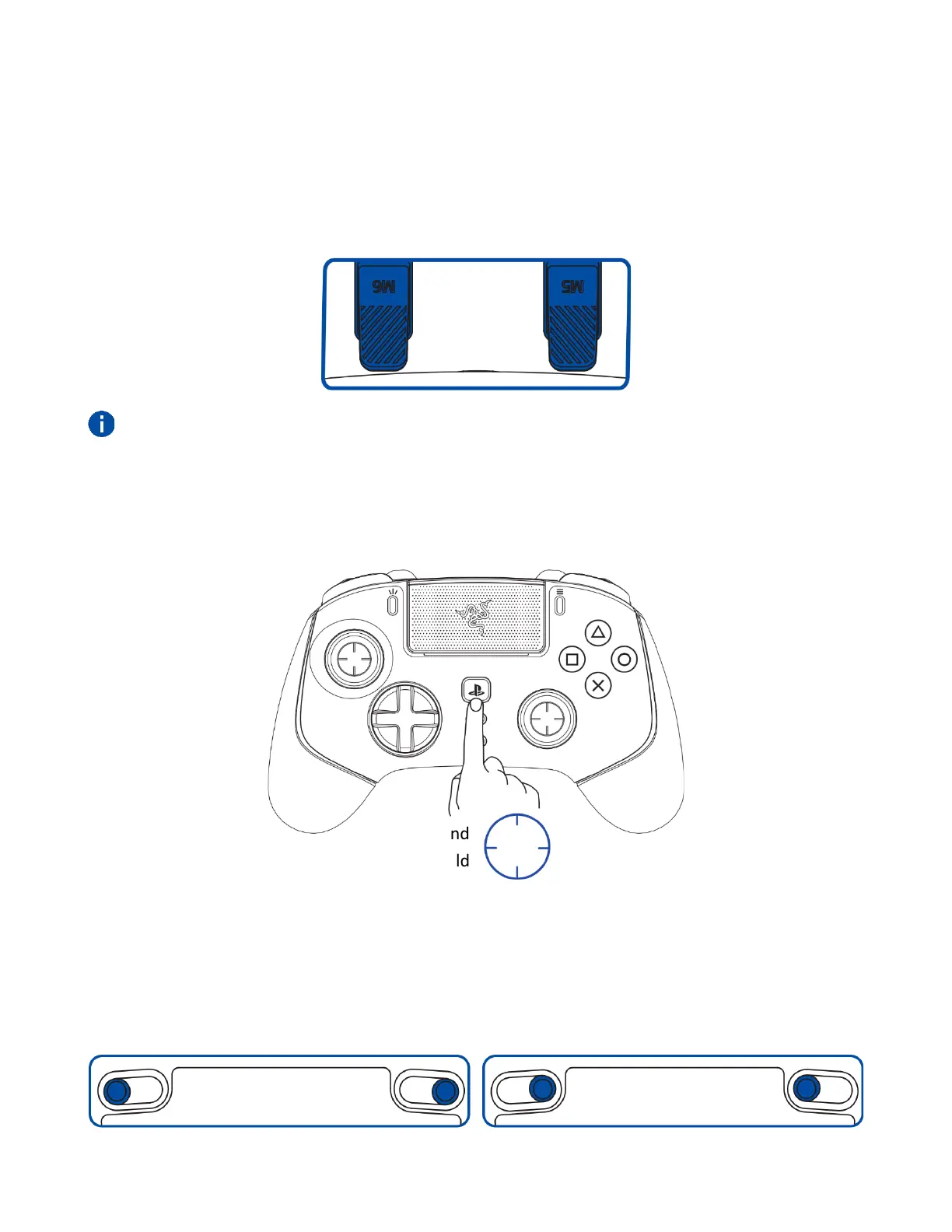
SENSITIVITY CLUTCH BUTTONS (M5 / M6)
By default, the M5 and M6 buttons are mapped as sensitivity clutch buttons for the left and right
thumbsticks. When any of the sensitivity clutch buttons are held down, the sensitivity of the
corresponding thumbstick will temporarily change, providing more options for aiming precision and
ultrafast turns.
The sensitivity settings can be customized through the Razer Controller app.
POWER ON / OFF (WIRELESS MODE ONLY)
Press and hold the PS button to power on or off the controller in wireless connection mode.
TRIGGER STOP SWITCHES
Enable the Trigger Stops to shorten the travel distance and response time (Active Hair Trigger Mode)
of the HyperTriggers (L2/R2) by sliding the Trigger Stop Switches outwards. To disable it, slide the
switches inwards.










 To Next Page