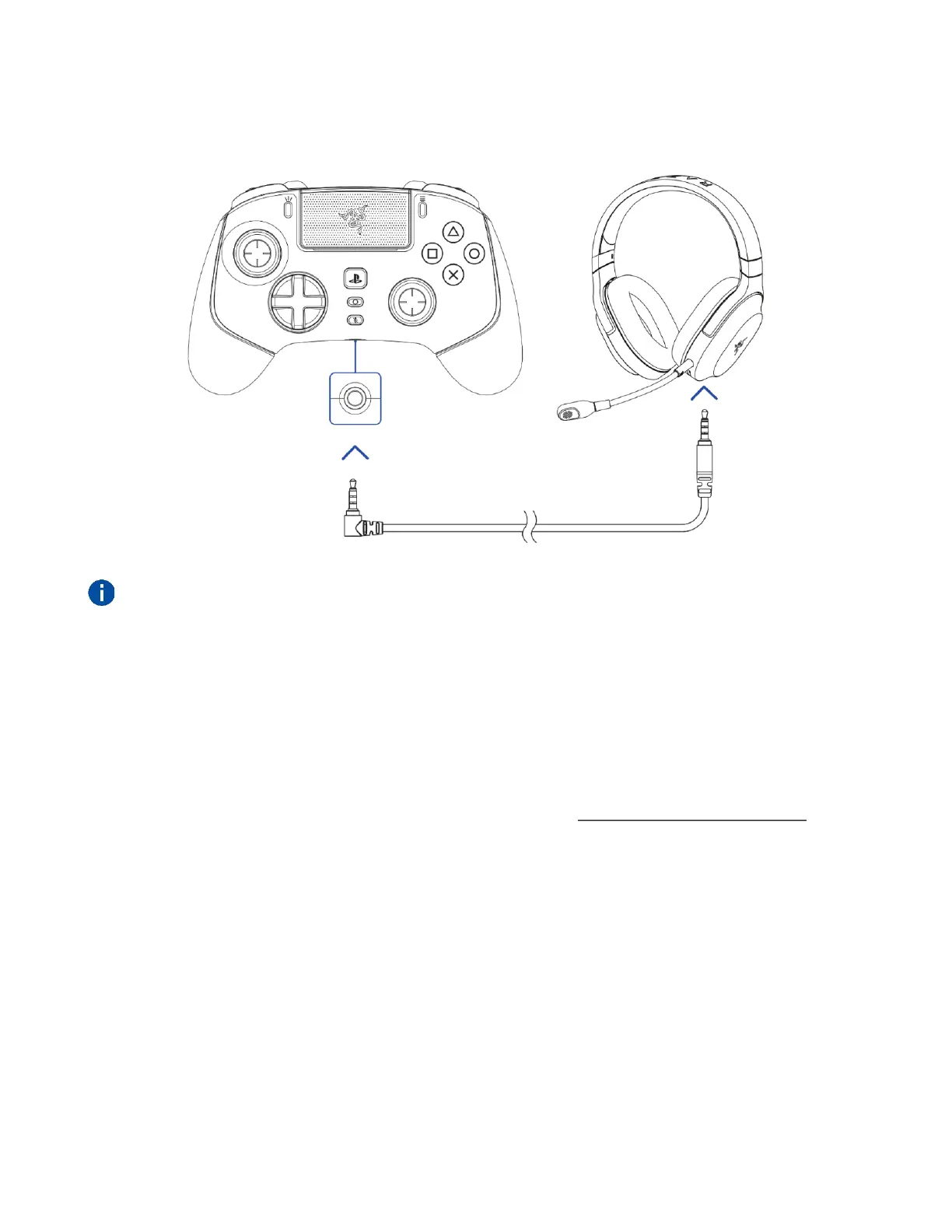
AUDIO CONNECTION VIA 3.5 MM PORT
Plug a 3.5 mm audio device* into the controller's 3.5 mm analog audio port.
Audio function only available in PS5™ controller mode. When using the controller with
compatible devices, set the Razer Wolverine V2 Pro as the default input and output device (if
applicable).
3.5 MM MIC MUTE BUTTON
Press the 3.5 mm mic mute button to mute or unmute the microphone of the connected audio
device. When muted, the 3.5 mm mic mute button will light up in solid orange.










 To Next Page