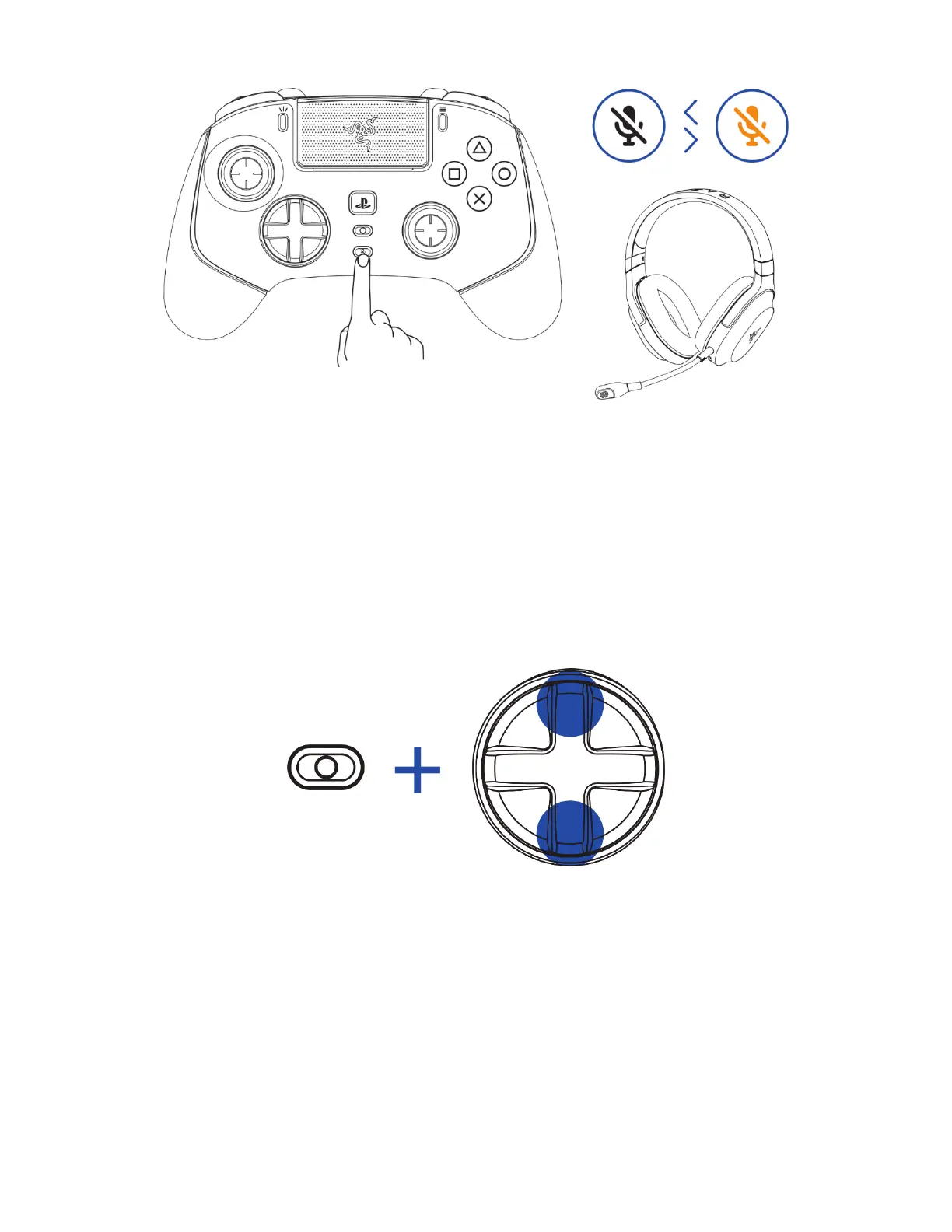
MULTI-FUNCTION BUTTON
Use the Multi-function button to adjust the in-game volume or cycle between any of the stored
profiles available in the controller.
Adjusting the in-game volume
To increase or decrease the in-game volume, press and hold the Multi-function button, then press the
up or down directional button.
Cycling through stored profiles
Press and hold the Multi-function button, then press the Right directional button to cycle through the
controller's stored profiles. The LED status indicator will briefly show which profile is active as you
cycle through profiles.










 To Next Page