EasyManua.ls Logo

Razer WOLVERINE V2 PRO - Safety and Maintenance Guidelines; Essential Safety Guidelines

Razer WOLVERINE V2 PRO
19 pages
Print Icon
To Next Page IconTo Next Page
To Previous Page IconTo Previous Page
Loading...
FOR GAMERS. BY GAMERS.
15
You can customize each stored profile's mapping using the Razer Controller app.
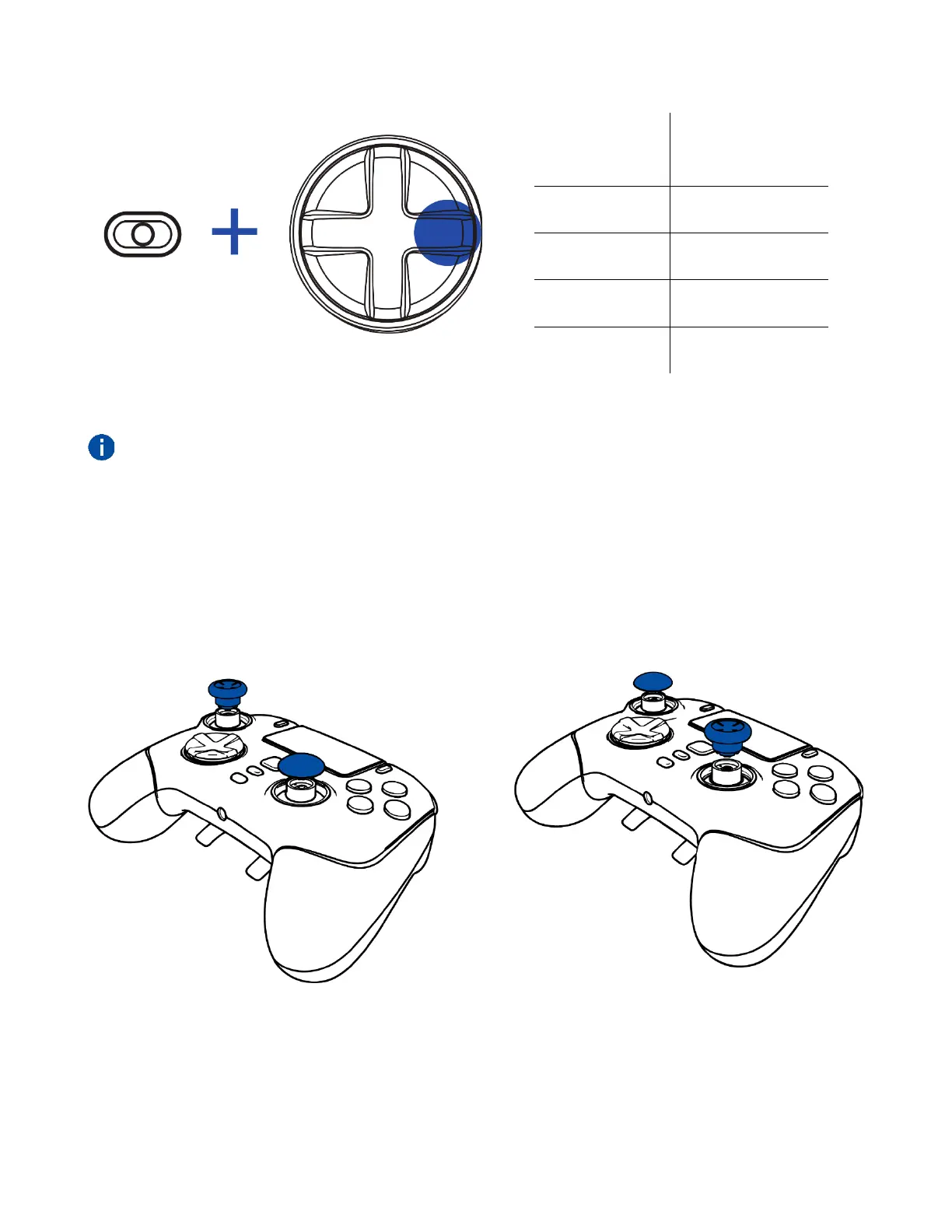
USING THE DETACHABLE THUMBSTICK CAPS
The Razer Wolverine V2 Pro includes additional tall and convex thumbstick caps, which you can use to
replace the standard thumbstick modules to tailor the controller to your playstyle. Pull the standard
modules to remove, then insert the preferred modules into the controller.

Profile
LED Status
indicator
Profile 1
Blink green (1x)
Profile 2
Blink red (2x)
Profile 3
Blink yellow (3x)
Profile 4
Blink blue (4x)
Press and hold
Cycle up profile

Related product manuals