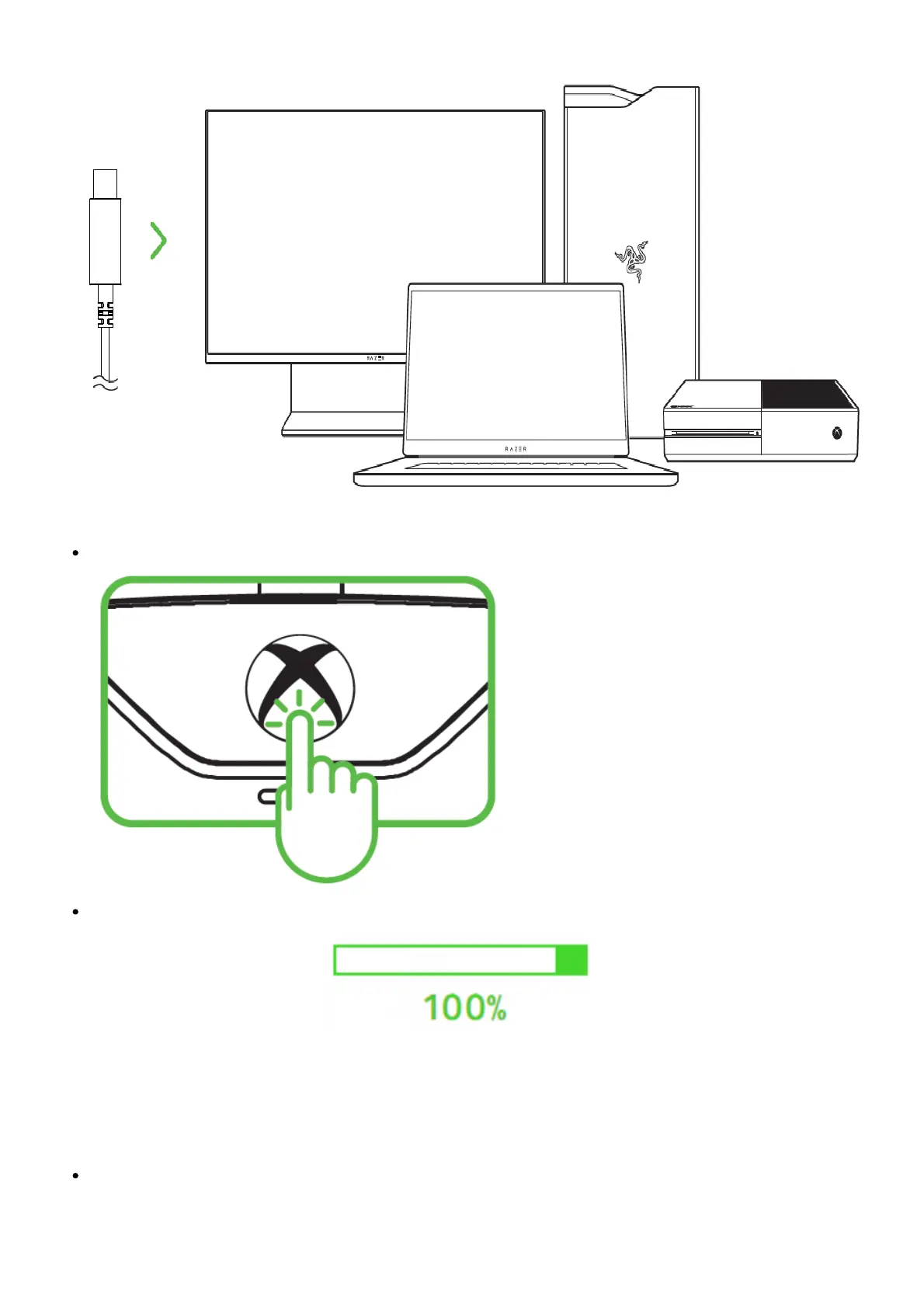
On Xbox console, press the Xbox button to begin using your controller.
On PC, wait until the controller’s drivers are automatically installed or manually update the drivers
through Device Manager.
How to configure audio on the Razer Wolverine V2
Adjust the balance between game and chat audio using the Audio Configuration button on the Razer
Wolverine V2.
Press and hold the Audio Configuration button then press the up or down directional button to










 To Next Page