Need Help? Visit our website at www.razor.com or call toll-free at 866-467-2967 Monday - Friday 8:00am - 5:00pm Pacific Time.
3
Step 9 Step 10
Step 7
Step 8
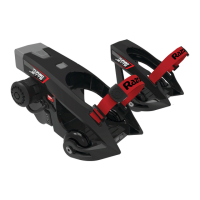
Using a 3 mm Allen wrench, loosen the throttle screw but
do not remove and move throttle away from the grip.
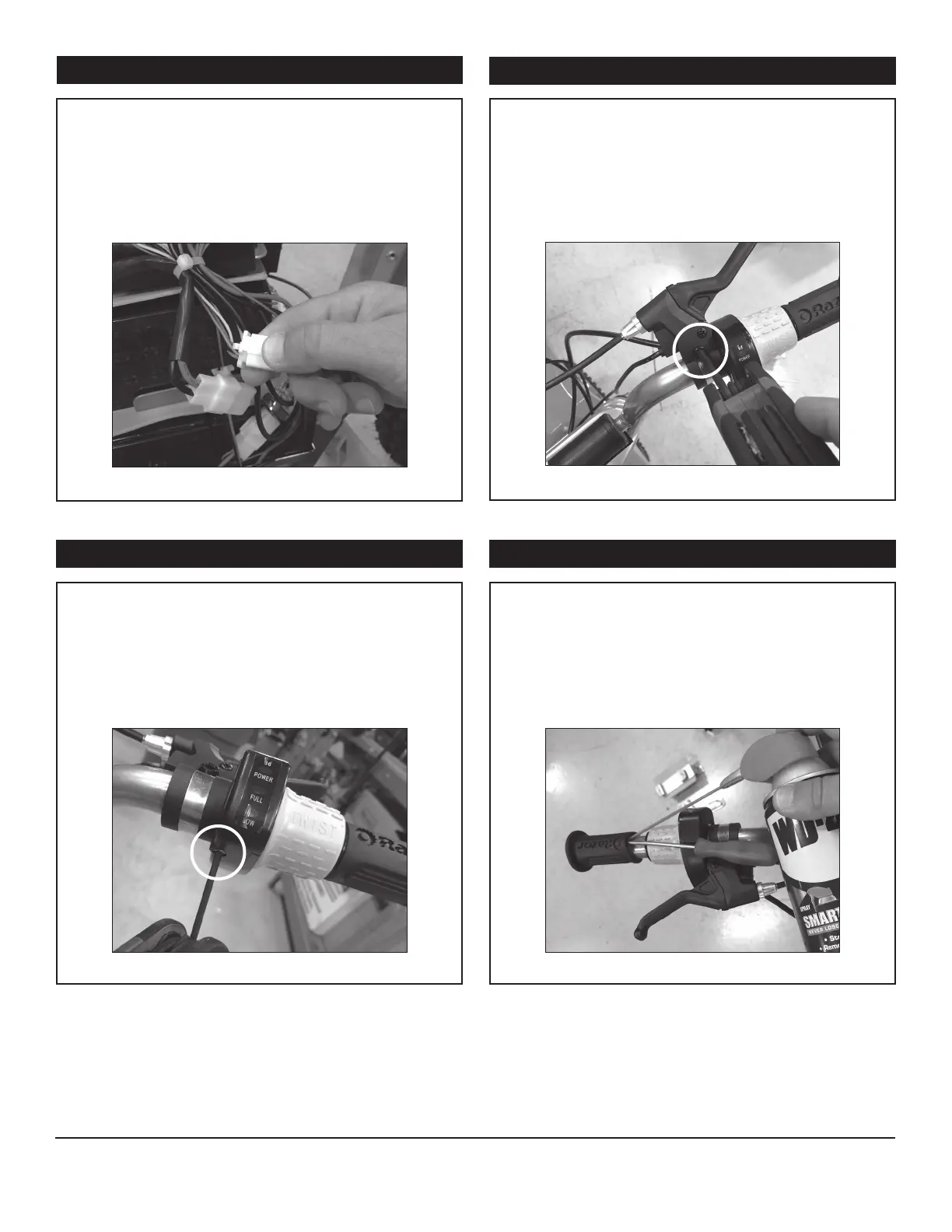
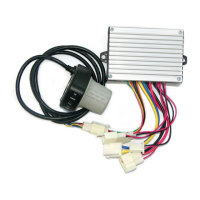
Follow the throttle wire and disconnect it from control
module. Cut the zip tie and remove the cable wrap.
Note: save the cable wrap for reassembly. Gently pull the
throttle cable through the hole in the number plate.
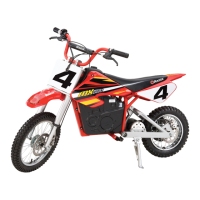
Using a 5 mm Allen wrench, loosen the srcew on the
brake lever and move it away from the throttle.
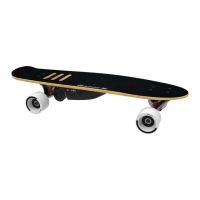
Insert a flathead screwdriver in between the handlebar
and grip and apply WD-40
®
or a few drops of water.
This will allow you to remove the grip and throttle from
the handlebar.


 To Next Page