10
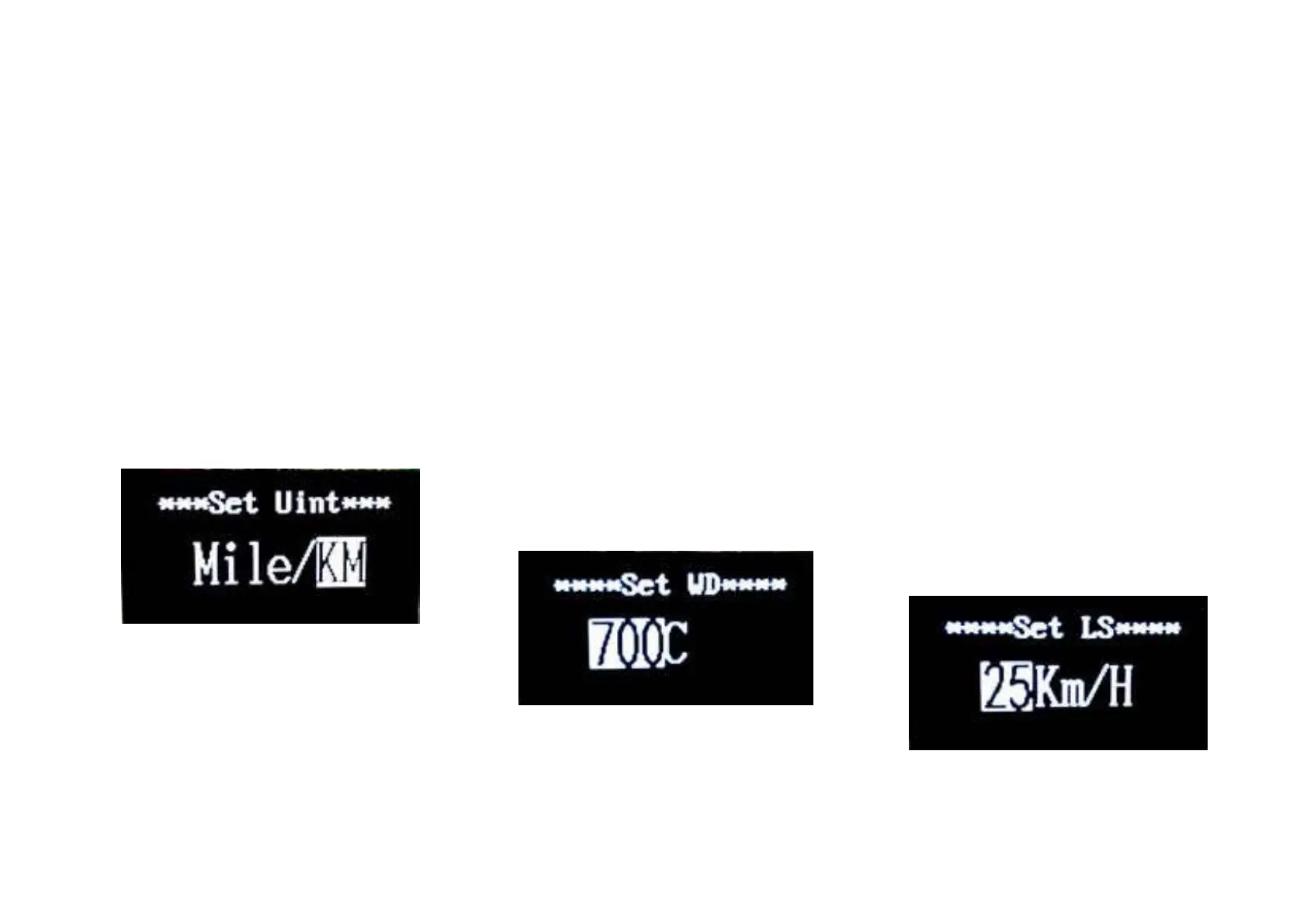
◆ Unit Mi/KMConversion
Set Unit represents unit settings.
To convert unit, press UP/DOWN to
increase or decrease until the desired
setting is displayed.
To store a changed setting, press MODE
button to access trip distance clearance
settings and the display will show OK then
returns to general selection settings
interface. The default unit is Metric.
Mile and Kilometer Conversion Settings
Interface
◆ Wheel DiameterSettings
Set WD represents wheel diameter
settings. Electable values are 16, 18, 20,
22,24, 26, 700C and 28. Default diameter of
Pluto R is 700C.
To change basic settings, press
UP/DOWN to increase or decrease until the
desired value is displayed.
To store a changed setting, press MODE
button and the display will show OK then
returns to general selection
settingsinterface.
Wheel Diameter Settings Interface
◆ Speed-limitSettings
Set LS represents limit speed settings.
When the running speed is faster than
limit speed, the eBike system will switch off
automatically. Limit speed range is 12Km/h
to 40Km/h.Limit speed default value of Pluto
R is 32Km/h.
To change basic settings, press
UP/DOWN to increase or decrease until the
desired value is displayed.
To store a changed setting, hold MODE
for 2 s and the display will display OK
then returns to general selection
settingsinterface.
Limit Speed Settings Interface


 To Next Page