13
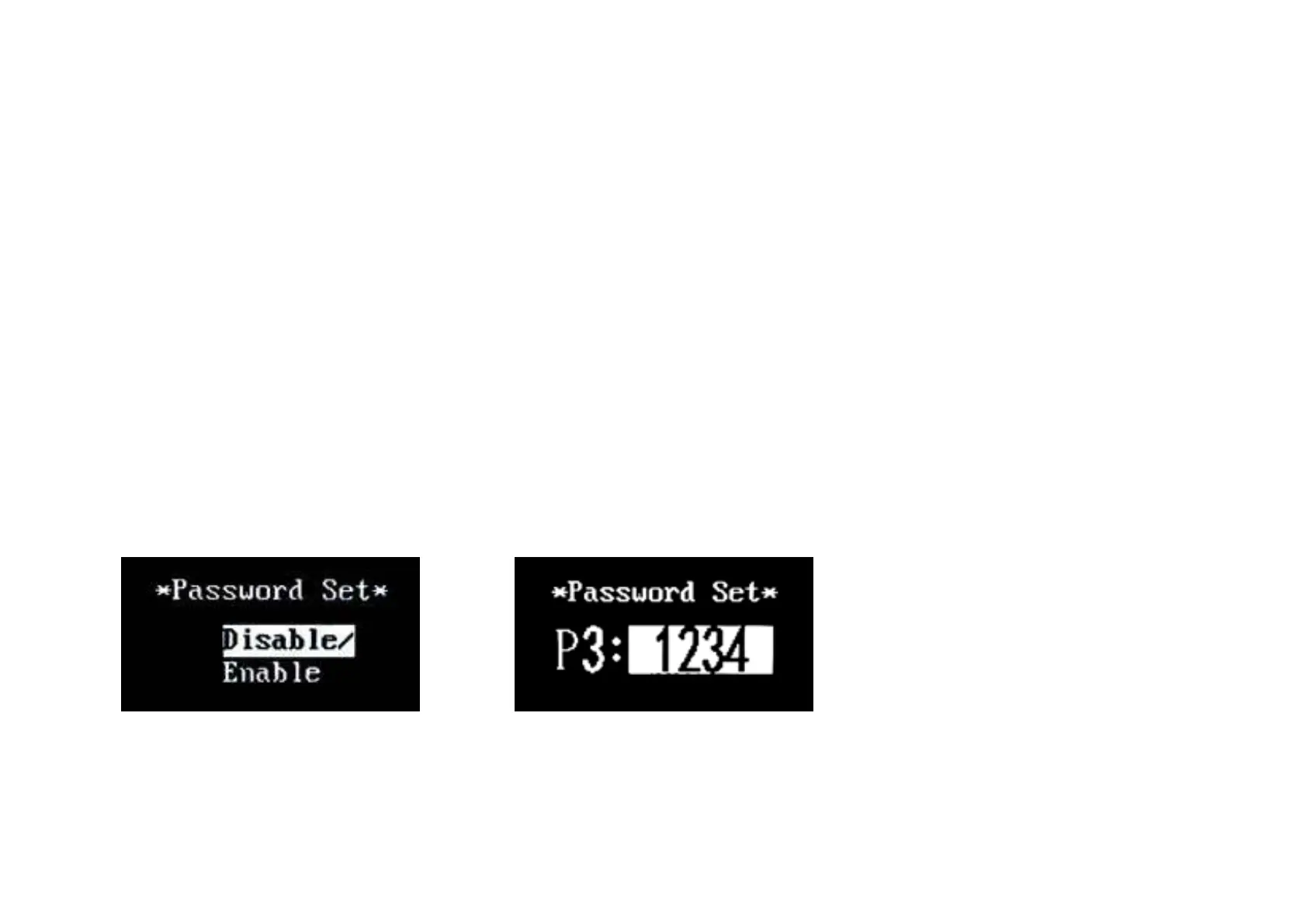
Power-on Password Enable/Disable
Press MODE button to enter power-on
password modify interface. Press UP or
DOWN button to select Disable or Enable
and press MODE button to confirm.
Power-on Password default is Enable. If
you choose Enable, press MODE button to
enter Power-on Password Modify interface,
otherwise exit the power-on password
settings interface.Default power-on
password value is1212.
Power-on Password Disable/Enable
Interface
Power-on Password Modify
When the display shows “Password Set,
P3”, press UP/DOWN to modify the value
and then press MODE to confirm digit one
by one until the new 4-digit password is
completed.
To store the new power-on password,
hold MODE button for 2 s and then exit
settings.
When switching the eBike system on
next time, the display will show P1,0000,
please input the new password to power on.
Power-on Password Modify Interface
◆ Exitsettings
In the settings state, press MODE button
to confirm the input. Hold MODE button
more than 2 seconds to save the settings
and then exit the current settings. Hold
DOWN button more than 2 seconds to
cancel the operating but not saving the
settings data, and then return to
previousmenu.
■ If there is not any operations in one
minute, display will exit the settings state
automatically.


 To Next Page