_ Custom Setup
Verify: ....
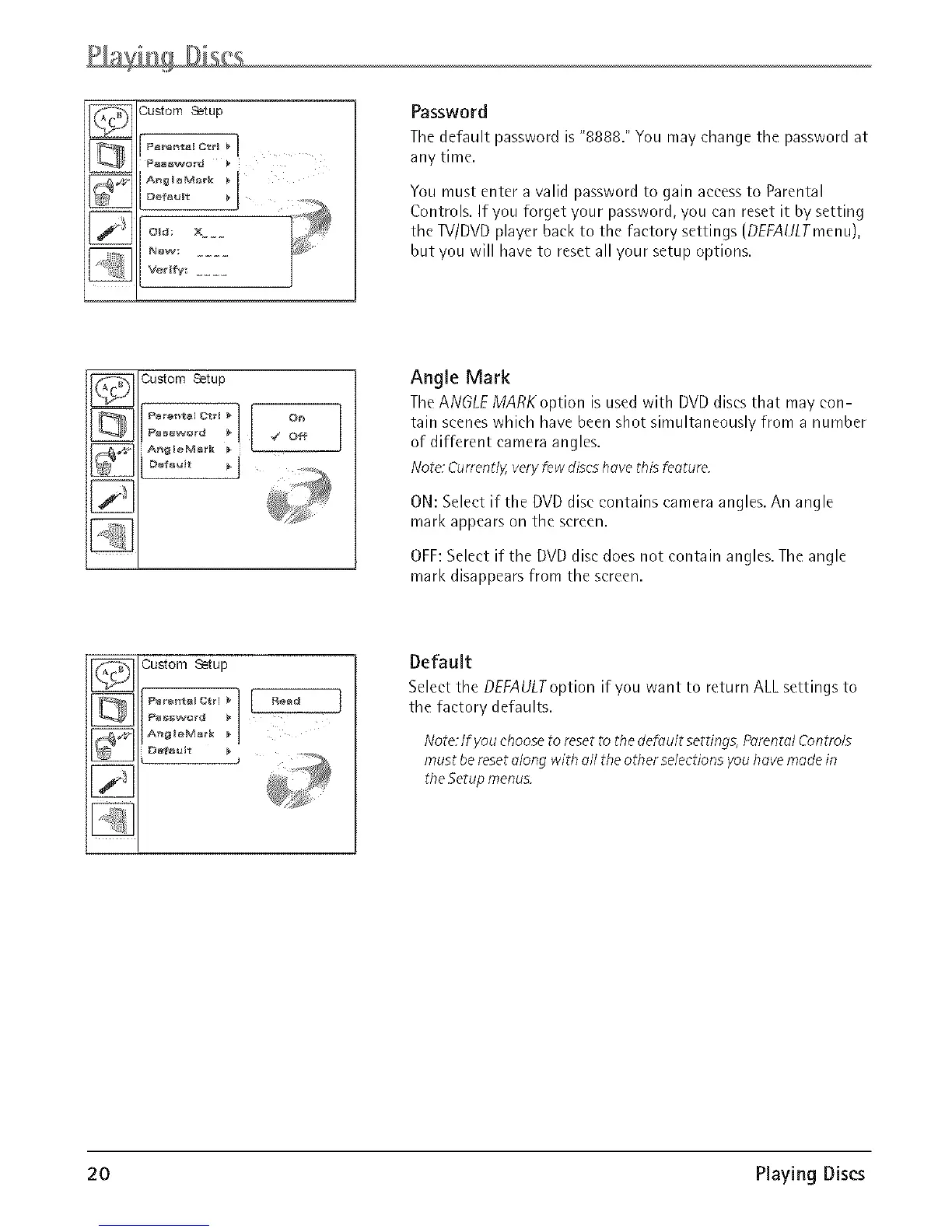
Password
The default password is "8888." You may change the password at
any time.
You must enter a valid password to gain access to Parental
Controls. If you forget your password, you can reset it by setting
the TV/DVD player back to the factory settings (DEFAULTmenu),
but you will have to reset all your setup options.
_ Custom Setup
:i ....
[]
Angle Mark
TheANGLE MARK option is used with DVDdiscs that may con-
tain scenes which have been shot simultaneously from a number
of different camera angles.
Note: Currently,veryfew discshovethis feoture.
ON: Select if the DVD disc contains camera angles. An angle
mark appears on the screen.
OFF:Select if the DVD disc does not contain angles. The angle
mark disappears from the screen.
_1 Custom Setup
i
I II
Default
Select the DEFAULToption if you want to return ALL settings to
the factory defaults.
Note: It:you choose to reset to the defou /t settings, Porento/ Controls
must be reset o/ong with oil the other selections you hove mode in
the Setup menus.
20 Playing Discs













 To Next Page