9
Receiver Operation
ˆ
Receiver Operation
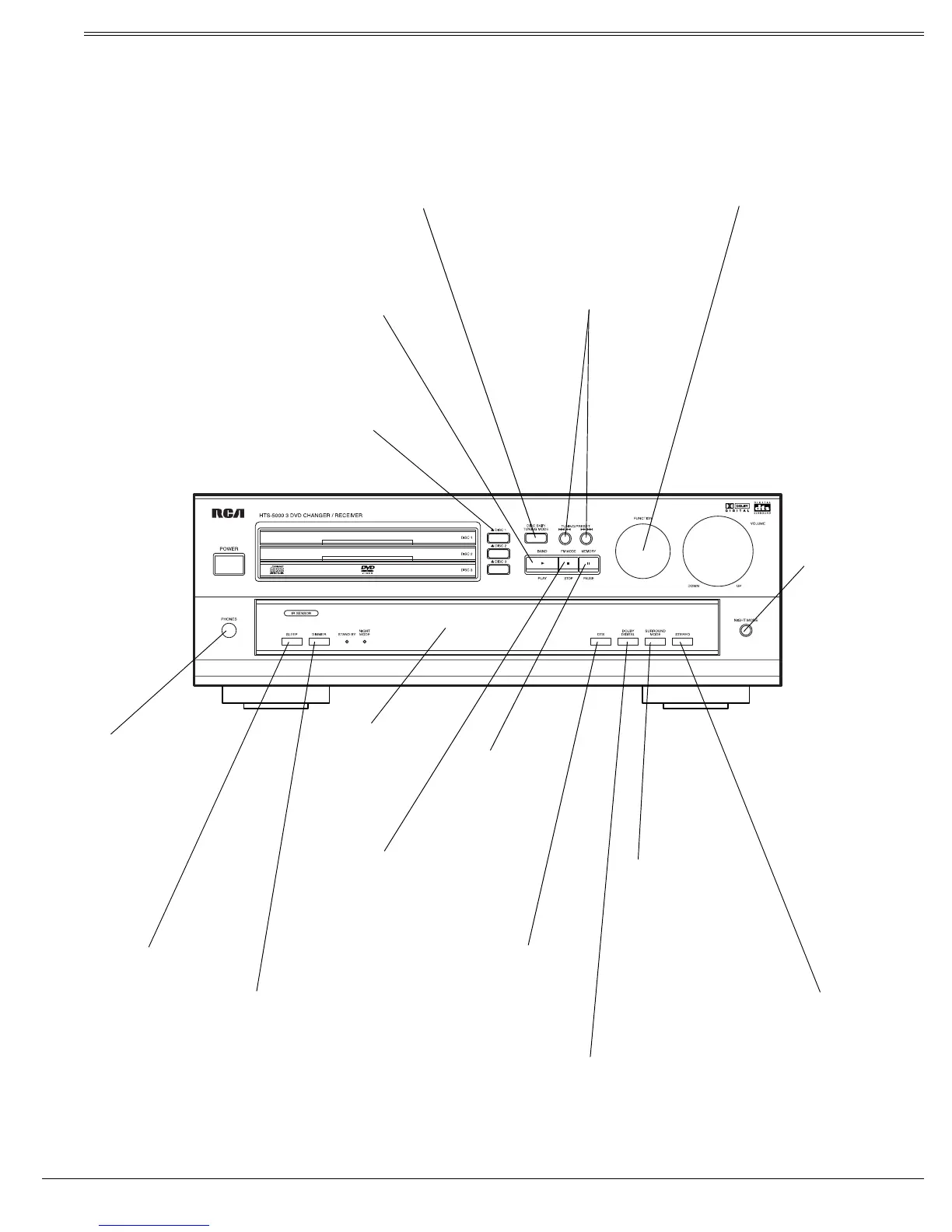
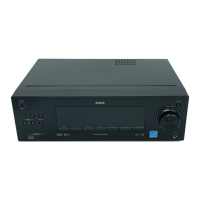
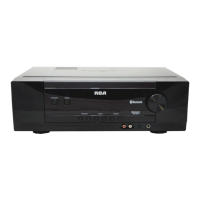
A QUICK LOOK AT THE RECEIVER’S CONTROLS
DISC 1, 2, 3
– Press to open or
close the disc trays.
Note: You cannot use these but-
tons in tuner mode.
DISC SKIP/TUNING MODE
– Press to skip discs in DVD/CD
mode.
In tuner mode, press to switch between presets and manual tuning
(see “Switching Between Preset Stations and Manual Tuning” on
Page 10).
TUNING/PRESET
– Repeatedly
press to tune to AM or FM stations
and select preset stations in tuner
mode.
BAND/PLAY
– Press to select AM or FM
band in tuner mode.
Press to plays back the disc in DVD/CD mode.
FM MODE/STOP
– In tuner
mode, press to select stereo
or monaural mode for FM in
tuner mode.
In DVD/CD mode, press to
stop the disc.
MEMORY/
PAUSE
–
stores a station
in memory in
tuner mode;
pauses the disc
in DVD/CD
mode.
FUNCTION
– Rotate to select the desired audio
or audio/video source. The selected source name
appears on the display panel.
PHONES
– This
jack is compatible
with wide range of
conventional dy-
namic headphone
types.
When you connect
headphones, the
unit automatically
selects stereo
mode.
DTS
– Press to switch
to 5.1 Channel DTS
from stereo mode.
STEREO
– Press to switch
from surround mode to ste-
reo mode.
In Dolby Digital mode, press
to change the mode to ste-
reo.
IJ
IJIJ
IJ
appears.
NIGHT MODE
– When
the sound source is Dol-
by Digital or stereo
mode, press to com-
press large dynamic
range (see XXXX on
page XX)..
SLEEP
– Repeatedly press
to set the sleep timer.
SURROUND MODE
–
Press to switch surround
modes between PRO
LOGIC, THEATER, HALL,
and STADIUM for analog
equipment (not for SAT-
OPT function).
DIMMER
– Press
once to dim the
display panel.
Press one more to
return to normal
status.
DOLBY DIGITAL
– Press to
switch to 5.1 Channel Dolby
Digital from stereo mode.
Display Panel



 To Next Page