57
Optional Accessories
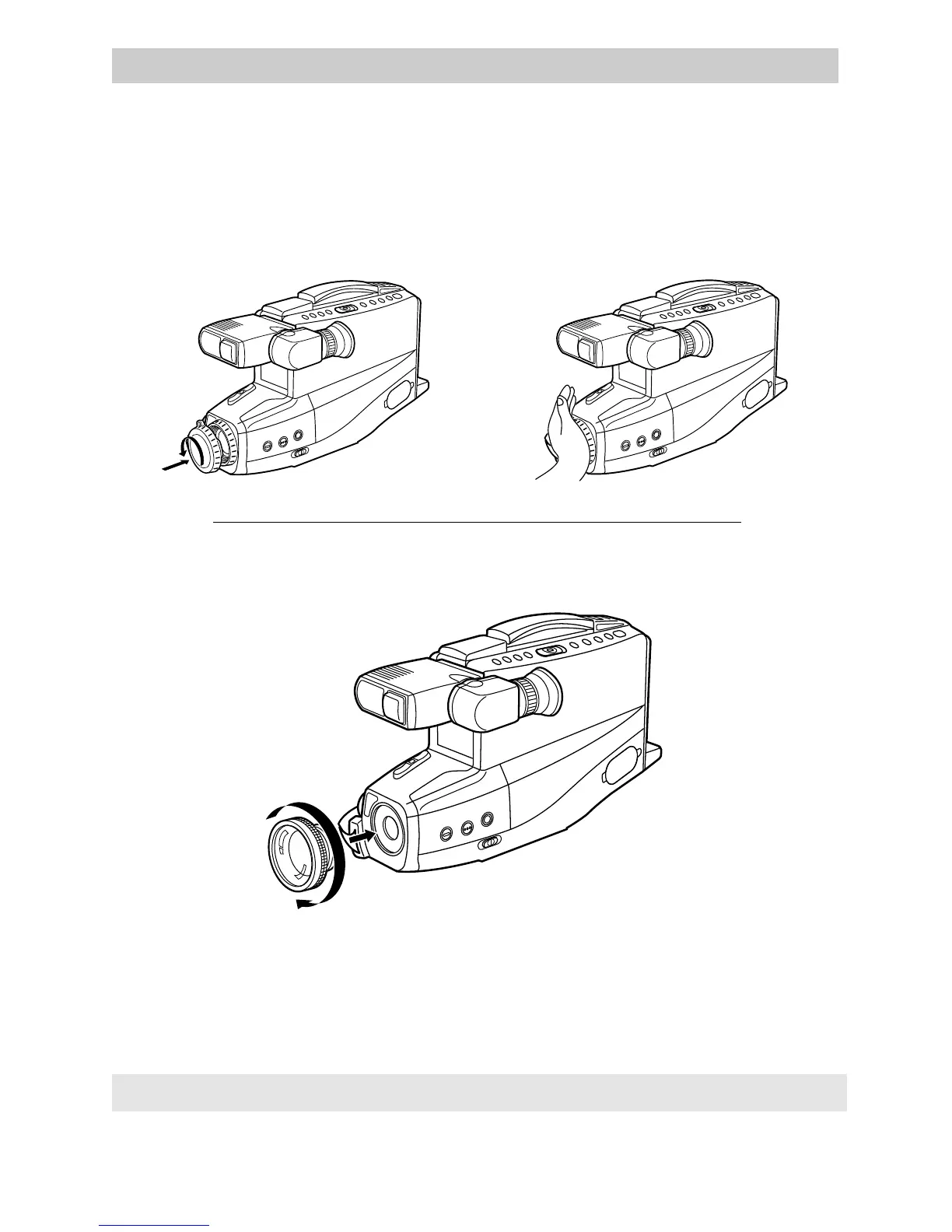
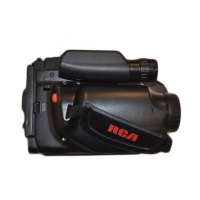
Removing the Lens Hood
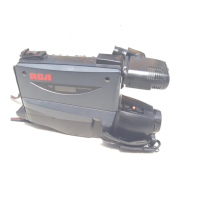
Attaching Accessory Lens
The lens hood can be removed so you can attach optional accessories, such as wide-
angle lens, lens extender, or lens filter kit. Do not grasp the end of the lens hood.
Attach the lens cap over the lens hood, then turn them counterclockwise to
remove them.
All specifications and descriptions of accessories are subject to change without notice.
Remove the lens hood as shown above.
Turn the accessory lens clockwise into the camcorder’s lens. Make sure the lens is
tightened firmly, but do not over tighten.


 To Next Page